

Free 3D anatomy models to embed on your website
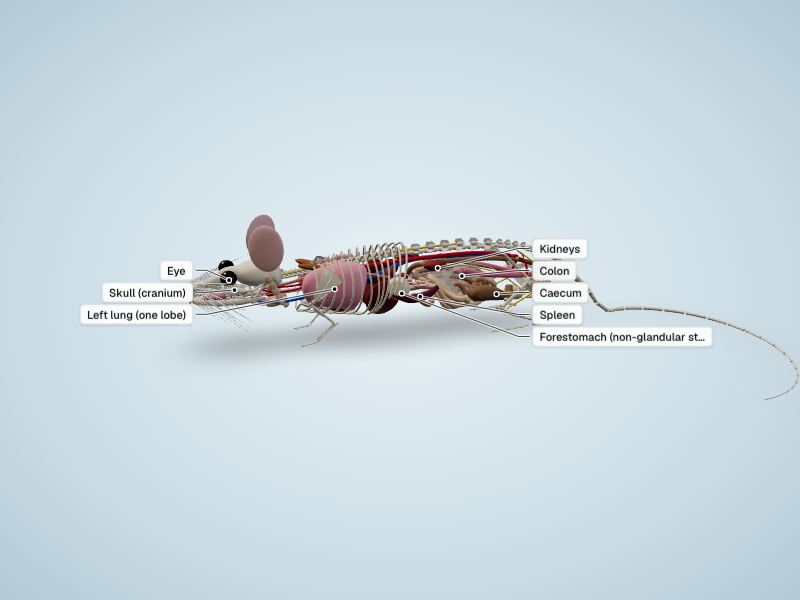
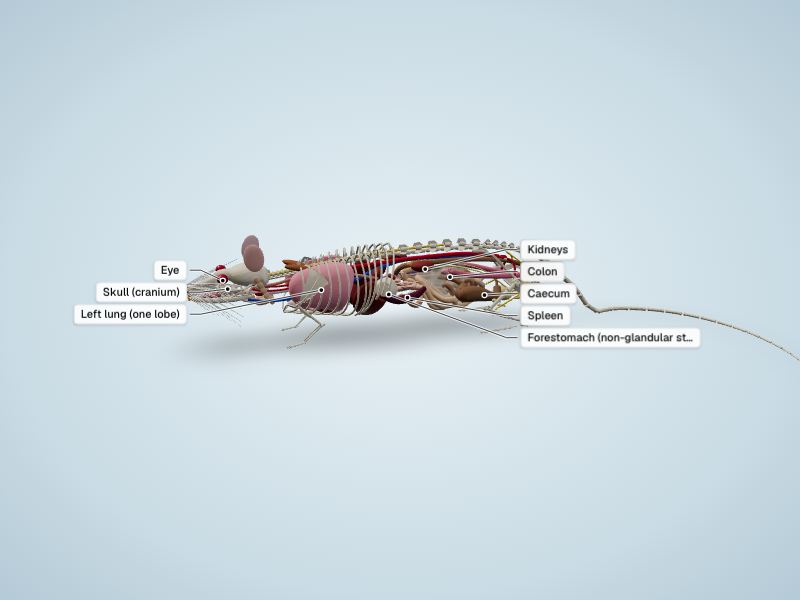
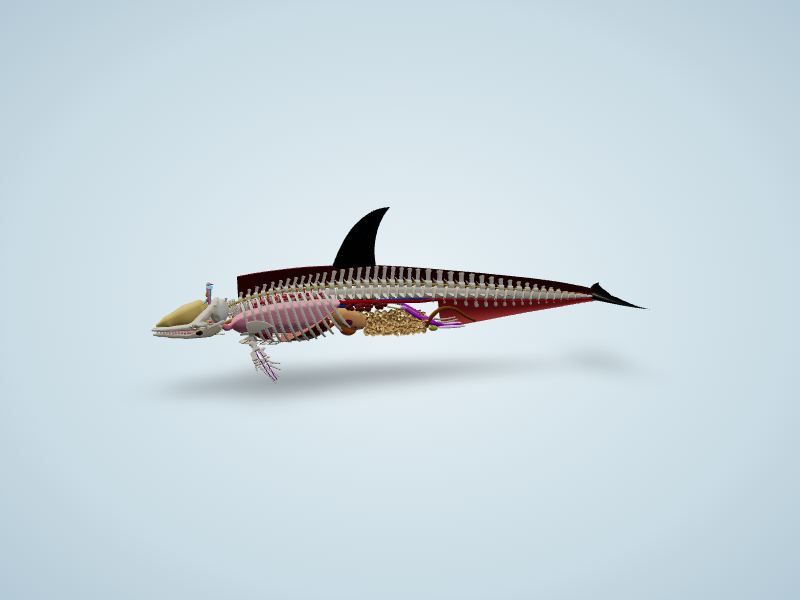
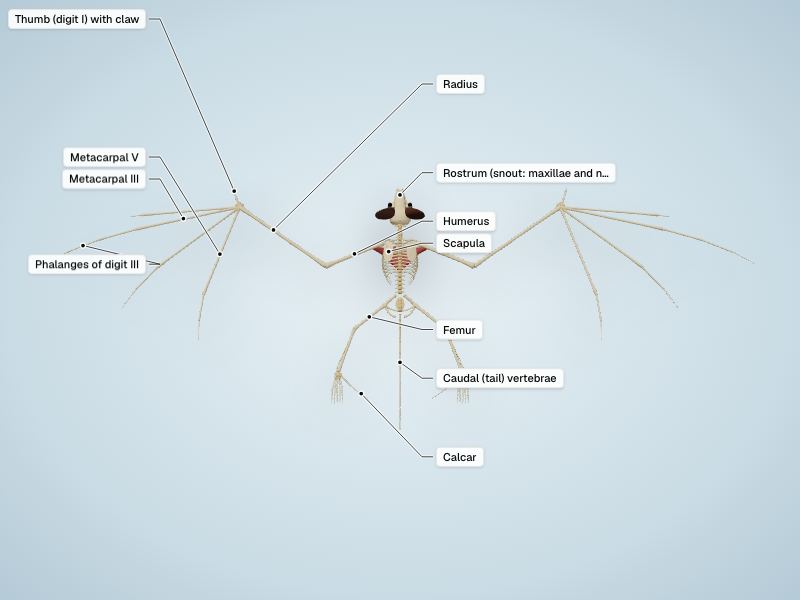
Put any of our 285 interactive 3D models on your class website, course page or blog. Students can turn the model, switch labels on and tap a structure to read what it does, right on your page. Embedding is free and needs no account, the viewer sets no analytics cookies on your visitors, and it works on phones, tablets and Chromebooks.
- Pick a model from the list below.
- Copy the embed code with the button on its card.
- Paste it into your page as HTML or an embed (steps below).
A credit is appreciated but not required: the code ends with a one-line “by EasyAnatomyLab” credit you can keep or delete.
Choose a 3D model
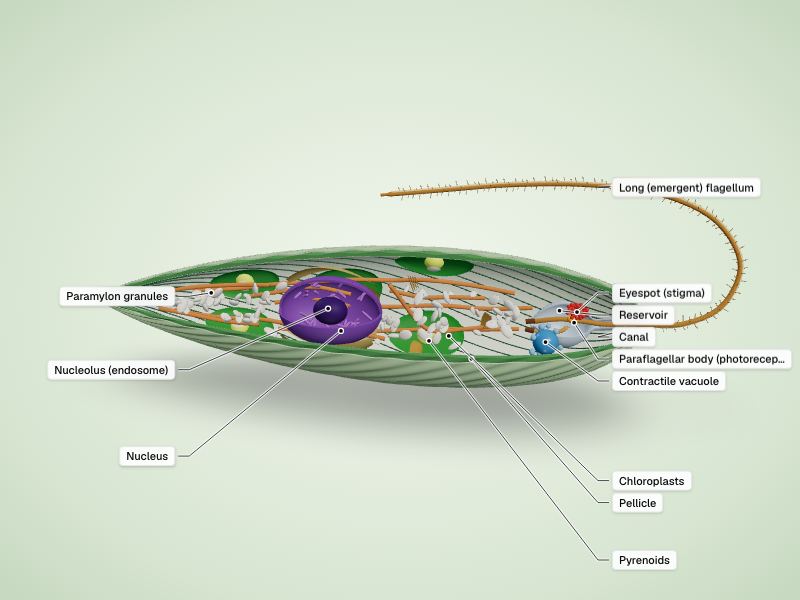
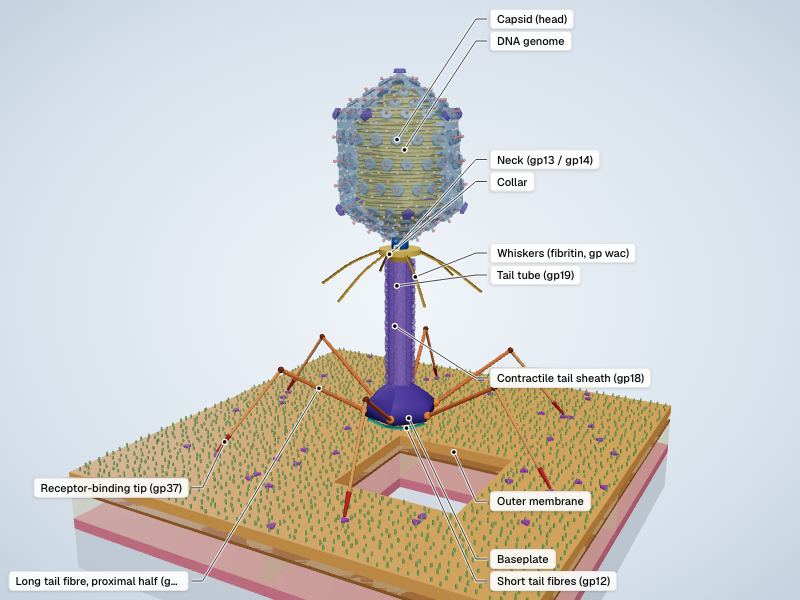
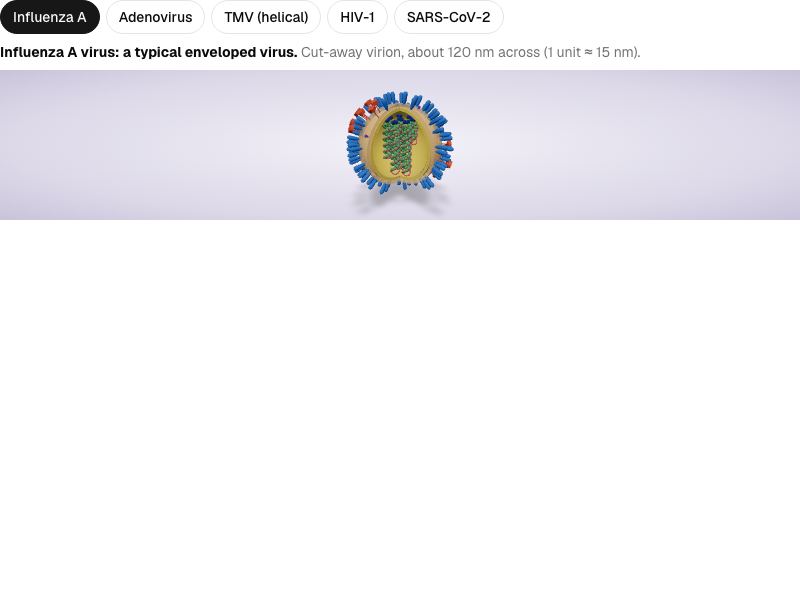
84 models of animals, the human body, plants and cells. Preview opens the viewer as it will look on your page.
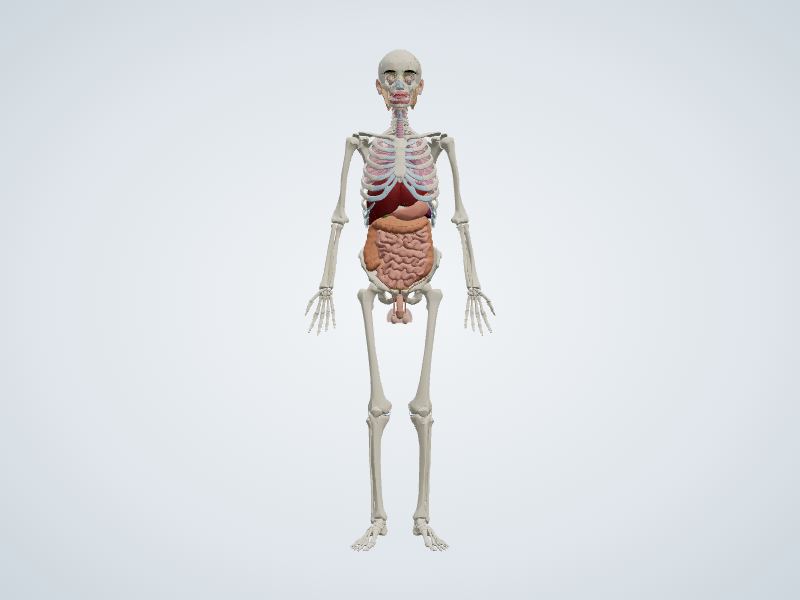
Human
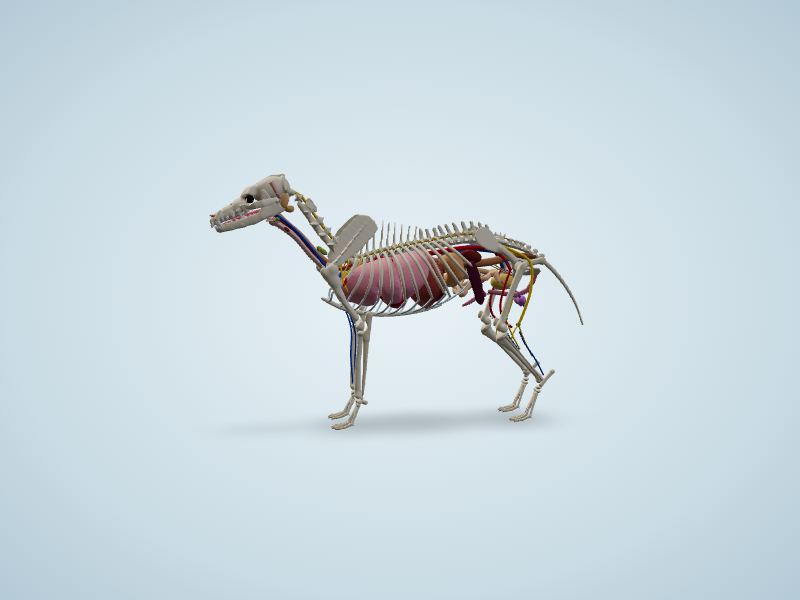
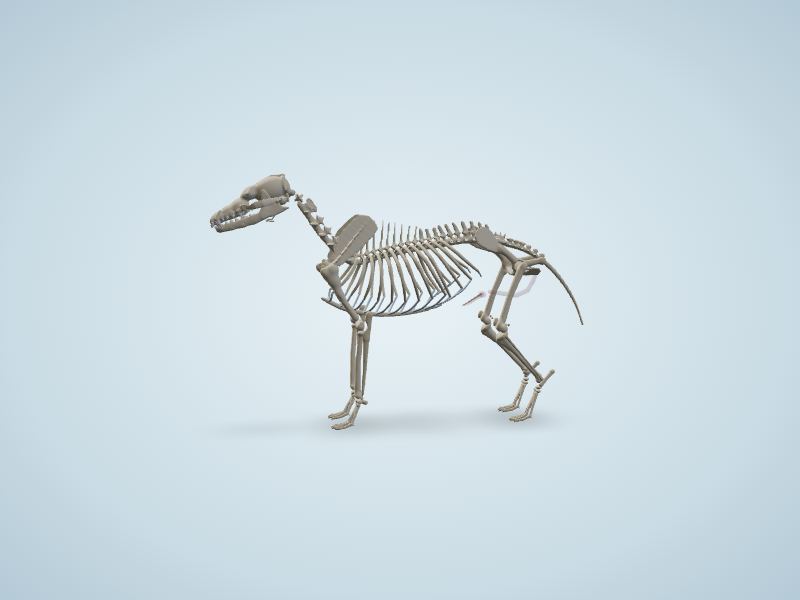
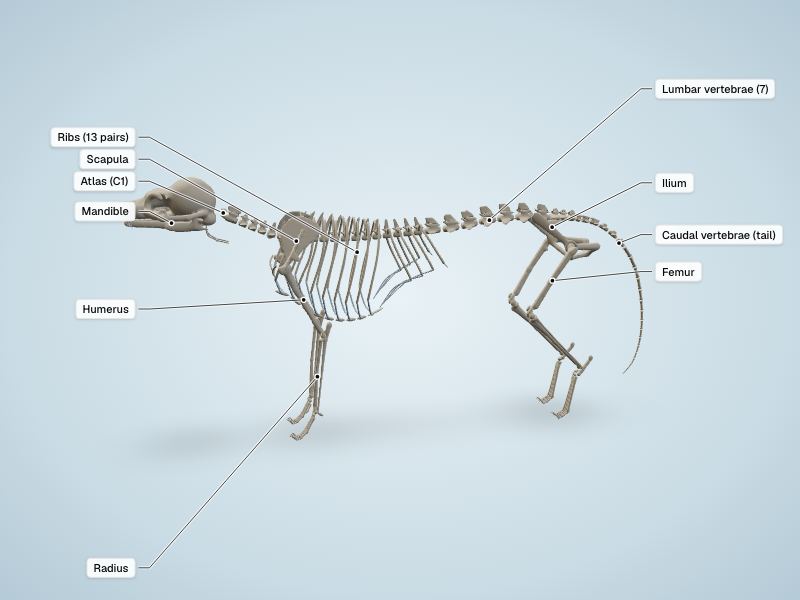
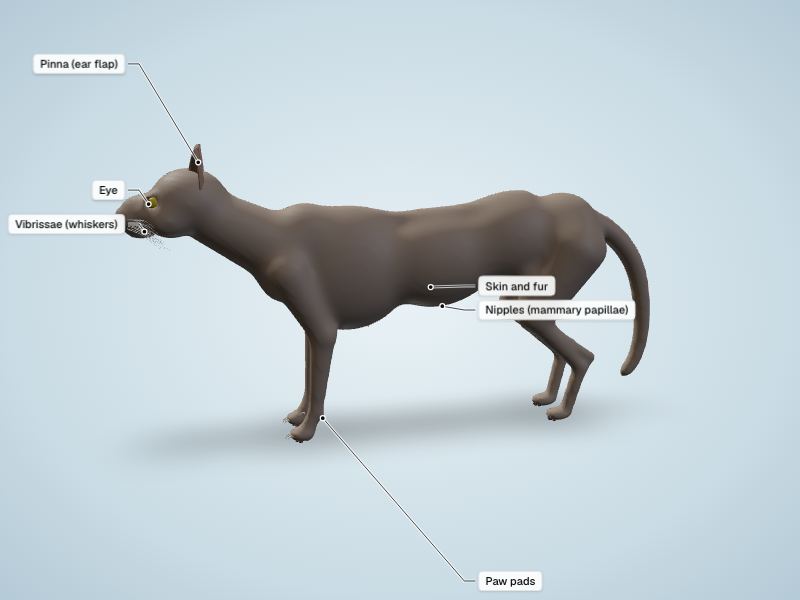
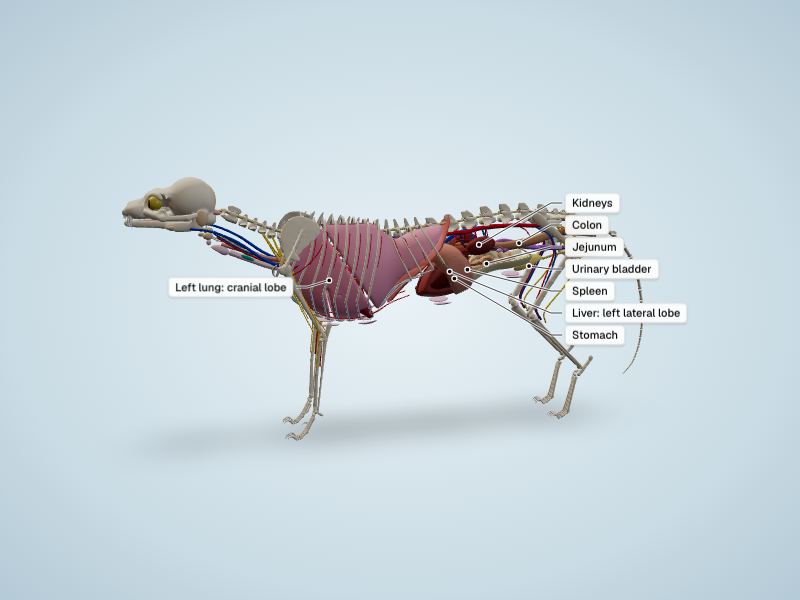
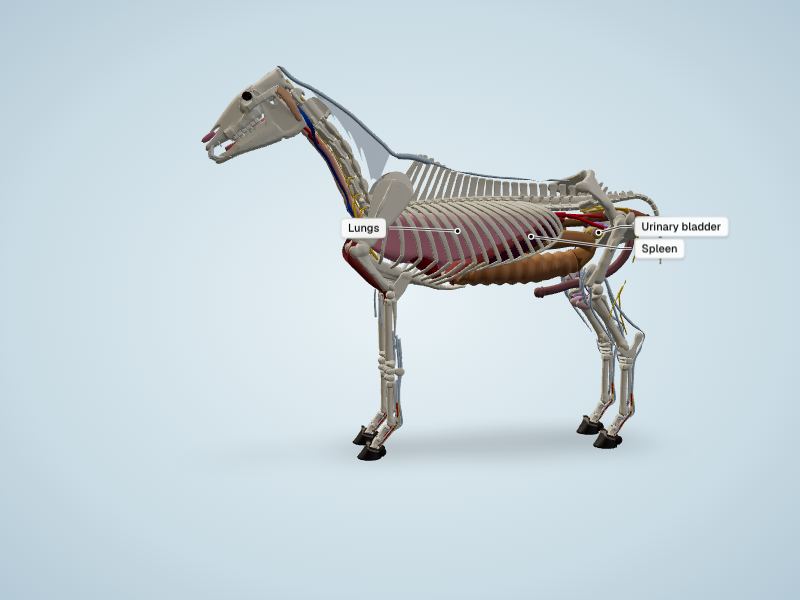
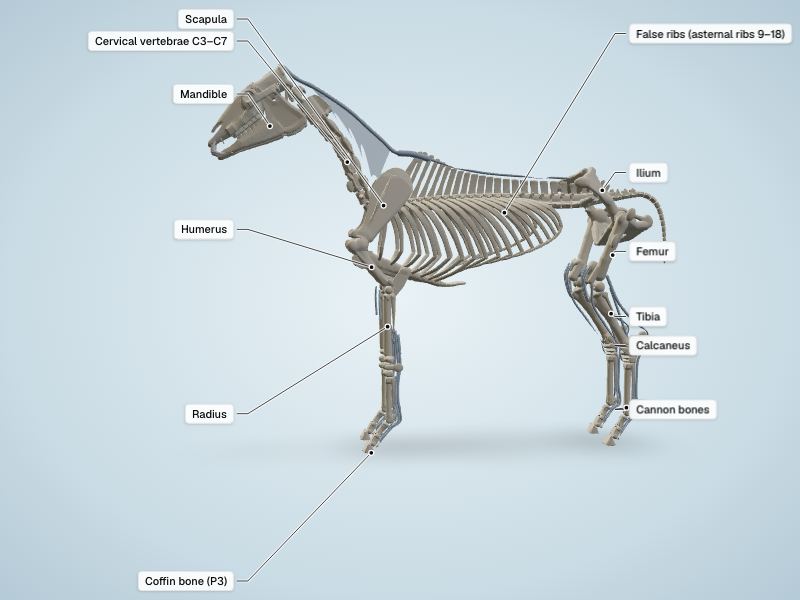
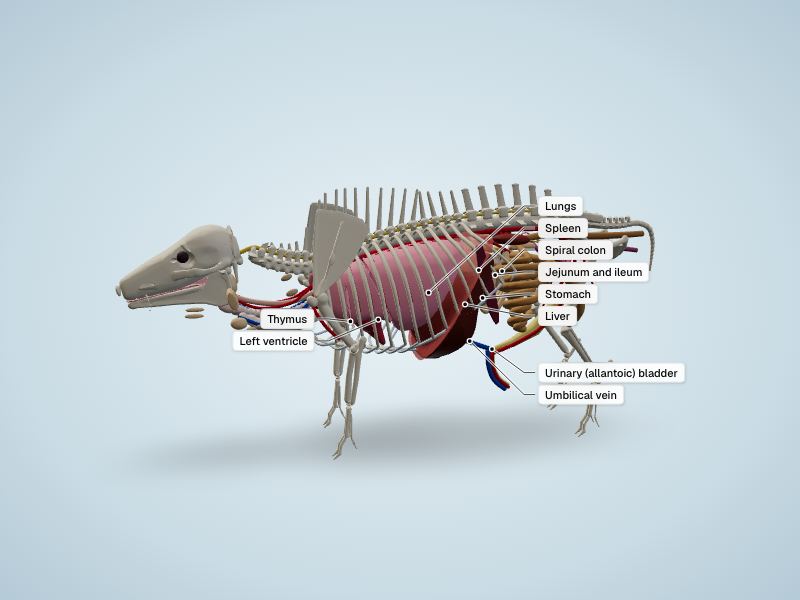
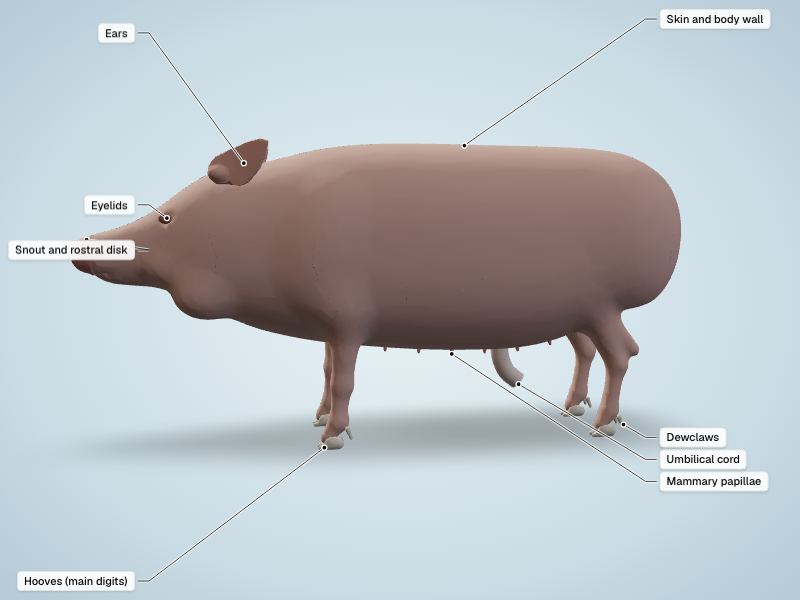
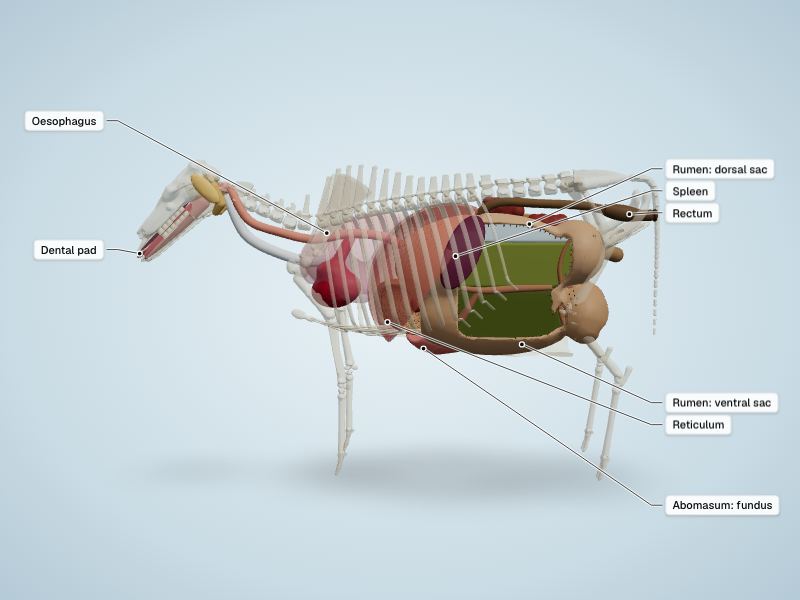
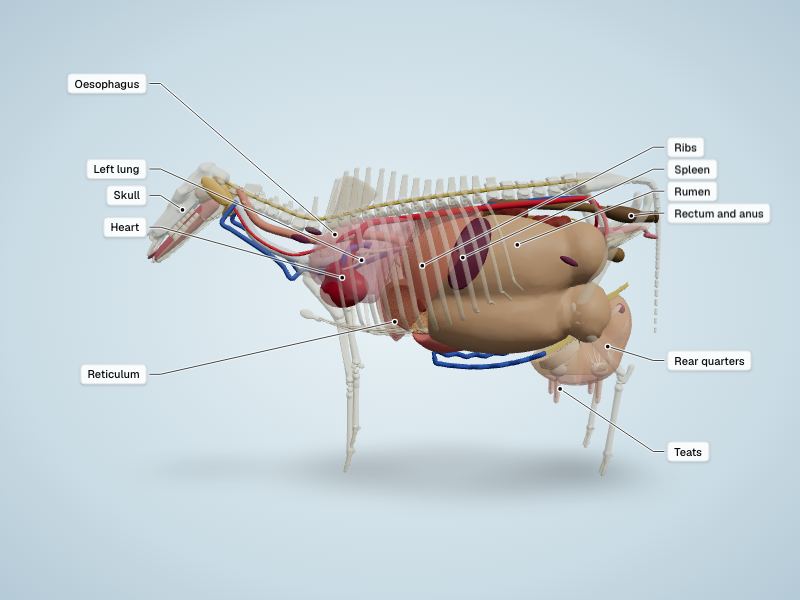
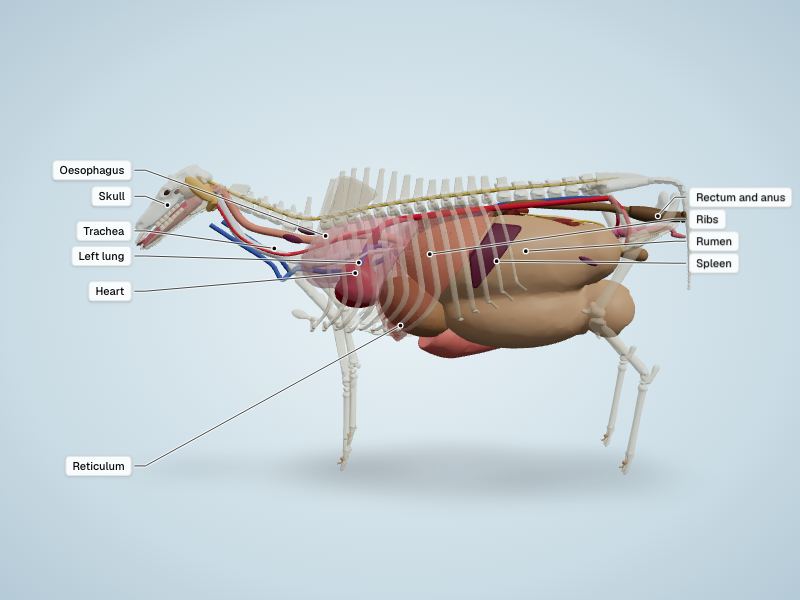
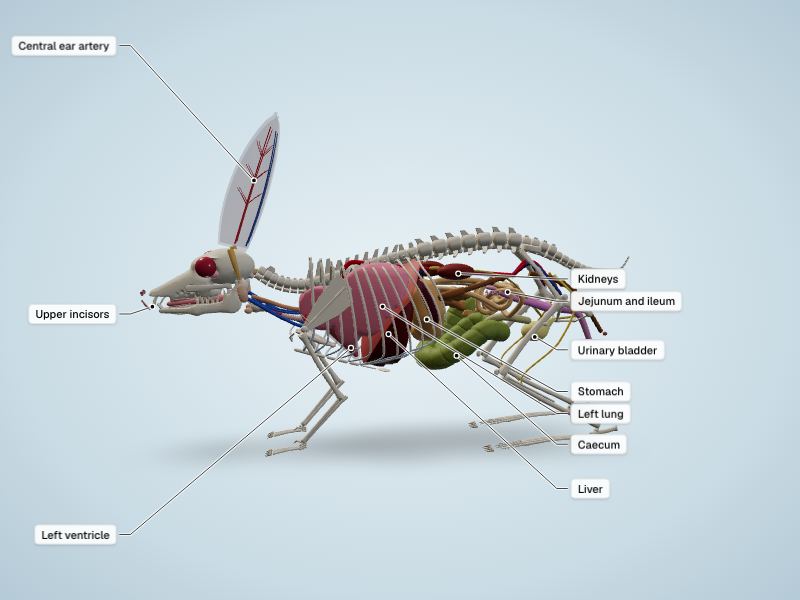
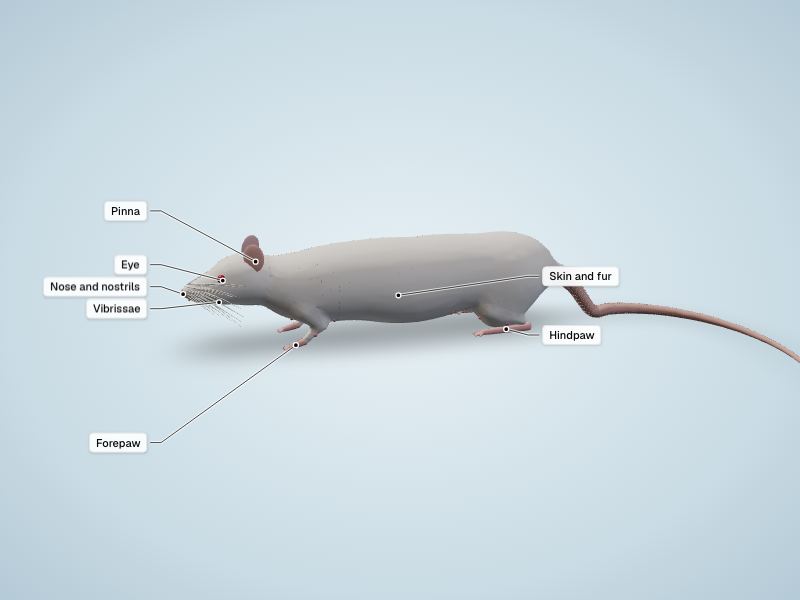
Mammals
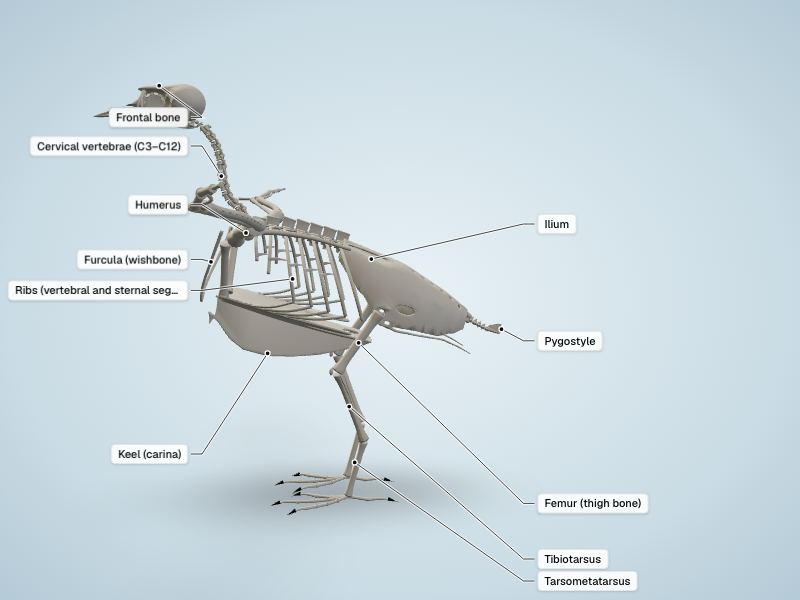
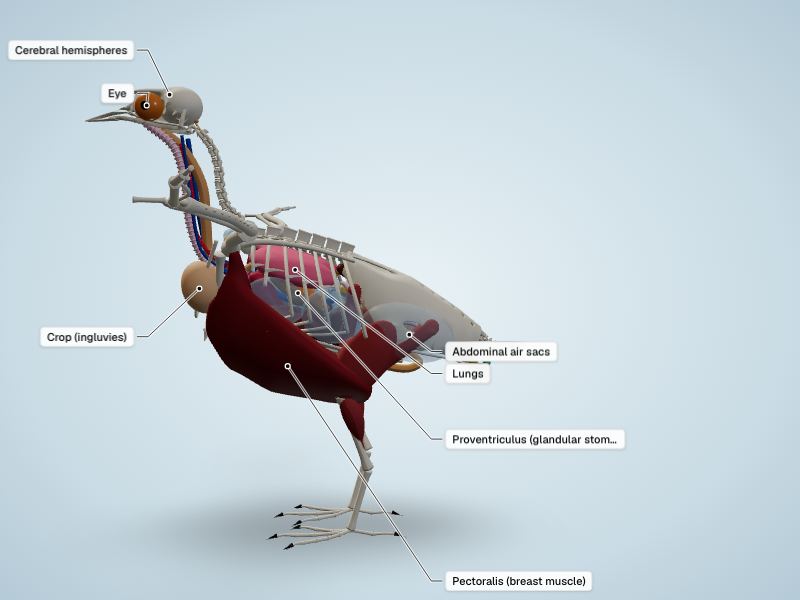
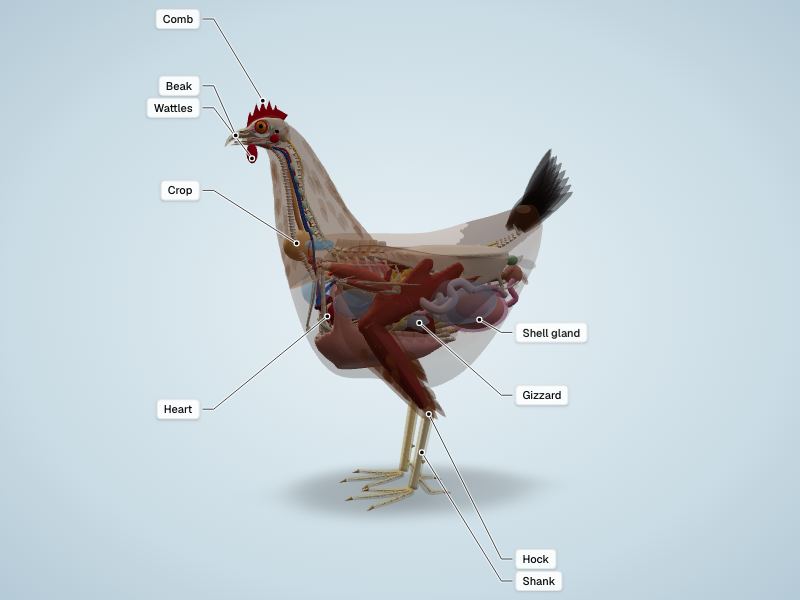
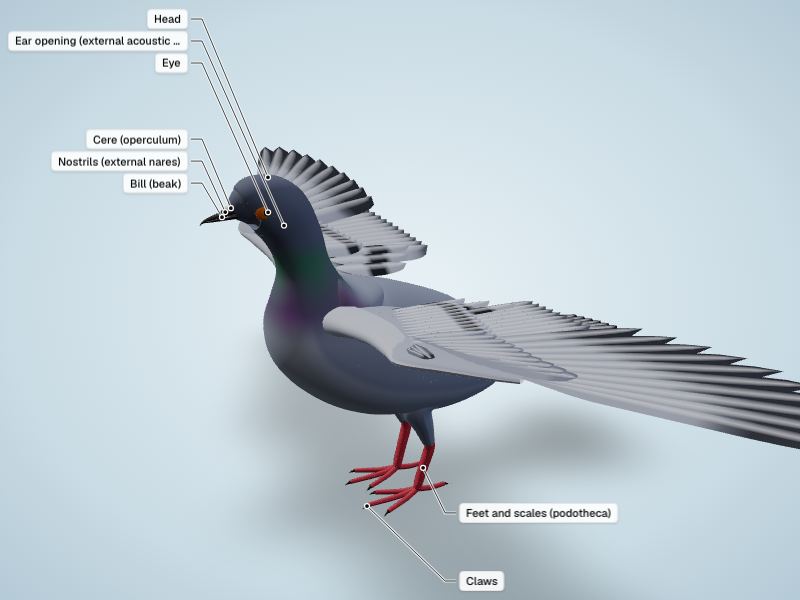
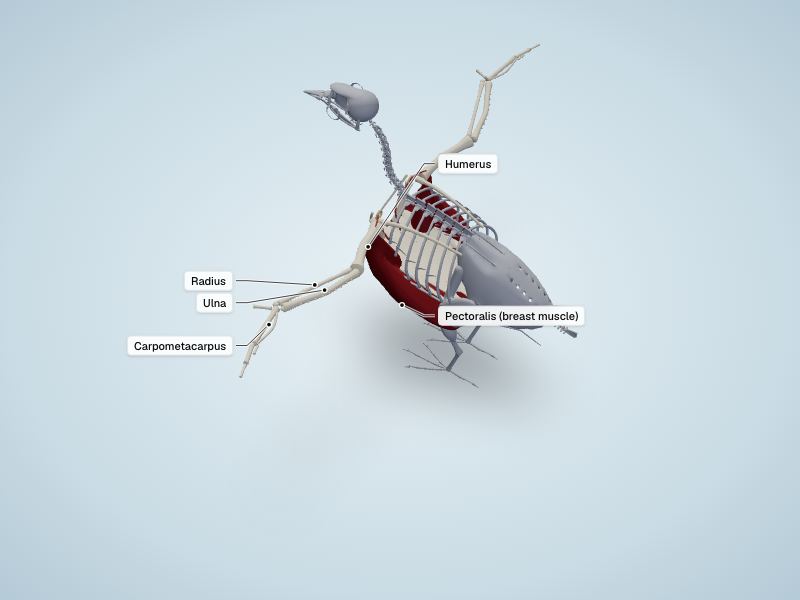
Birds
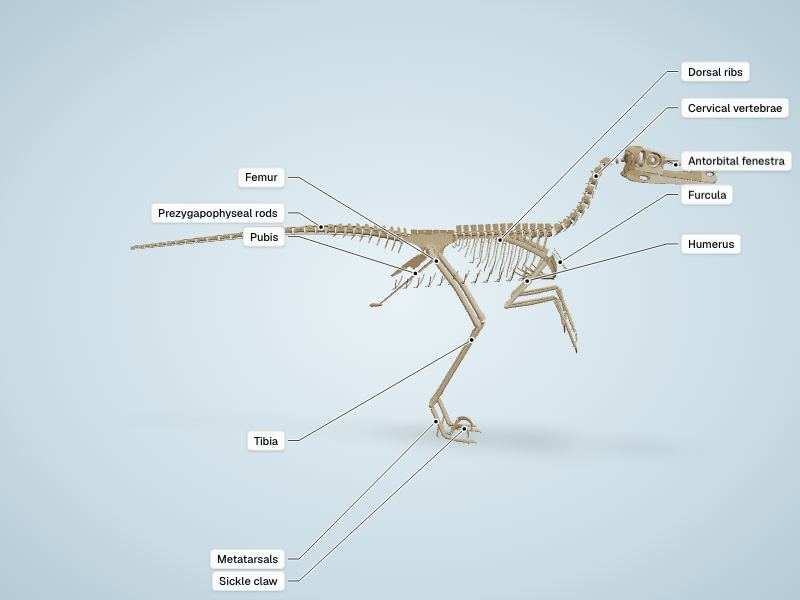
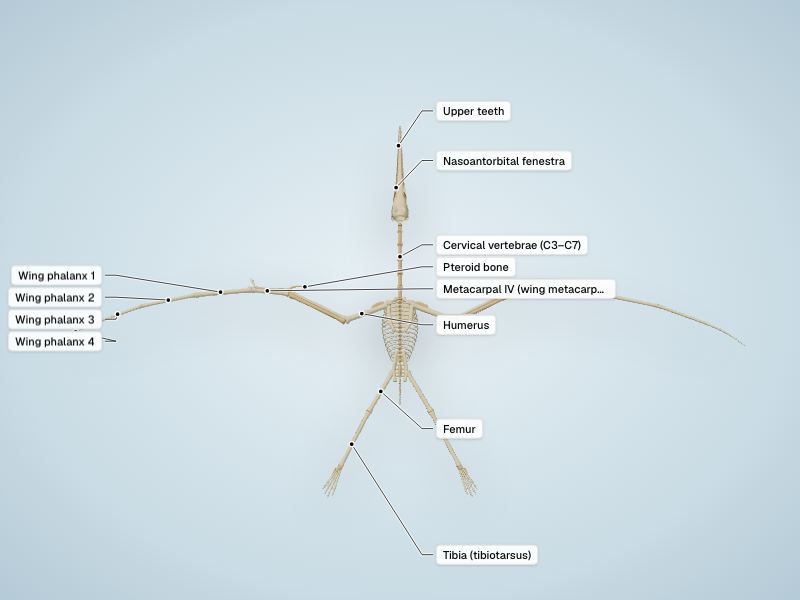
Prehistoric animals
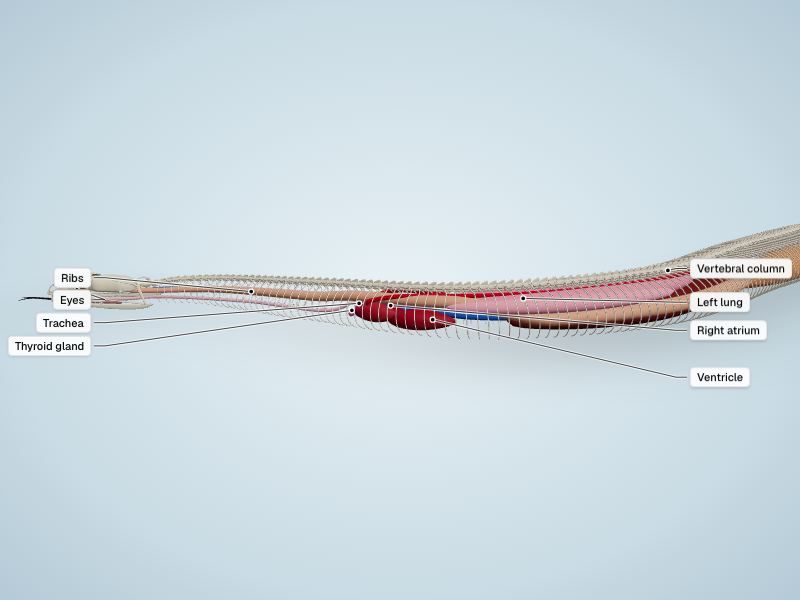
Reptiles & amphibians
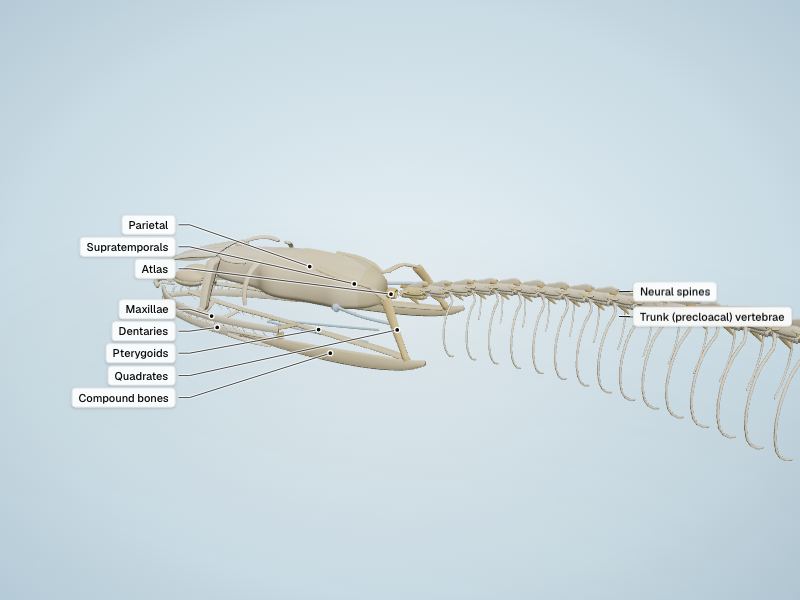
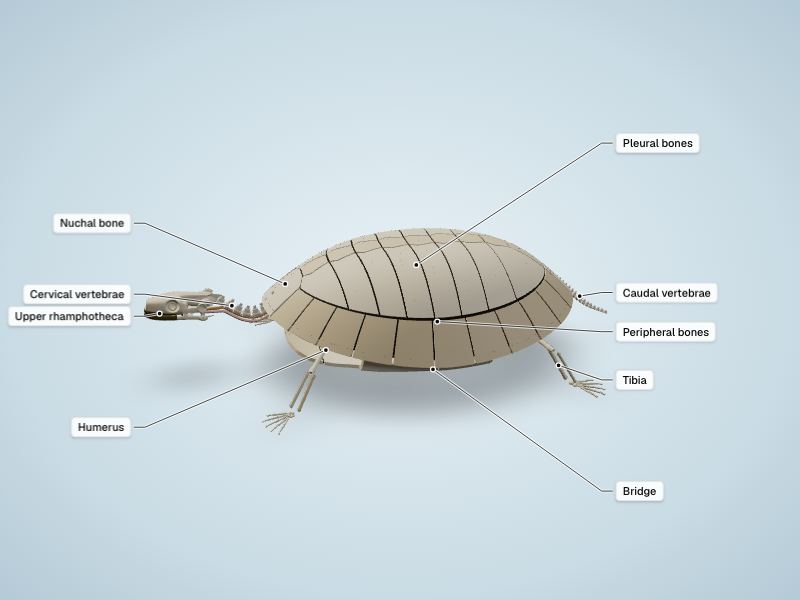
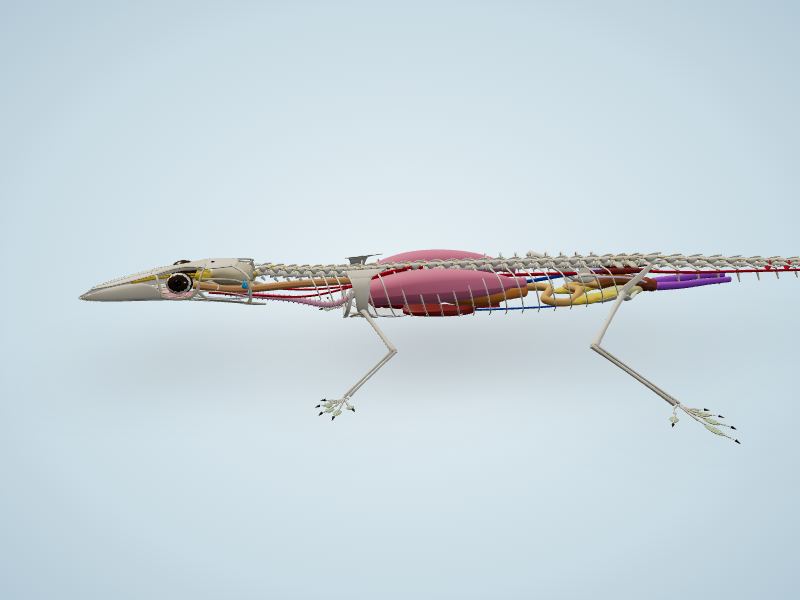
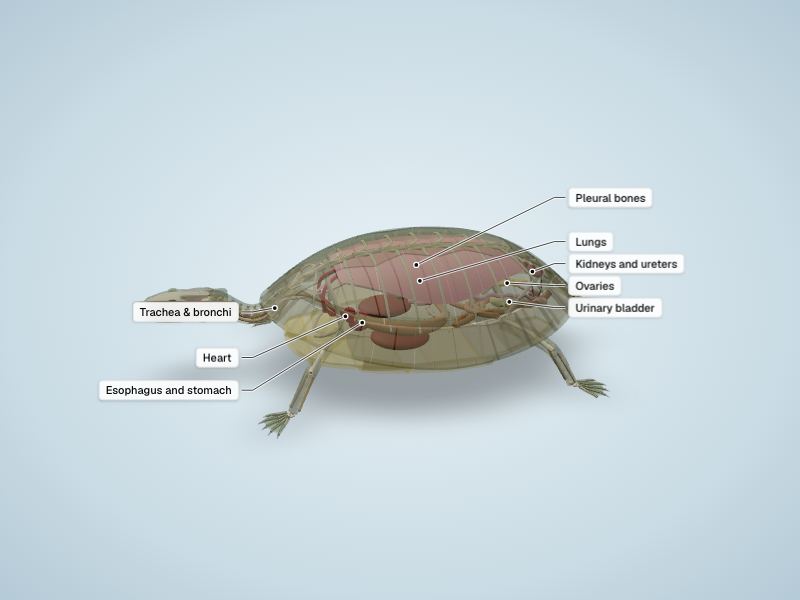
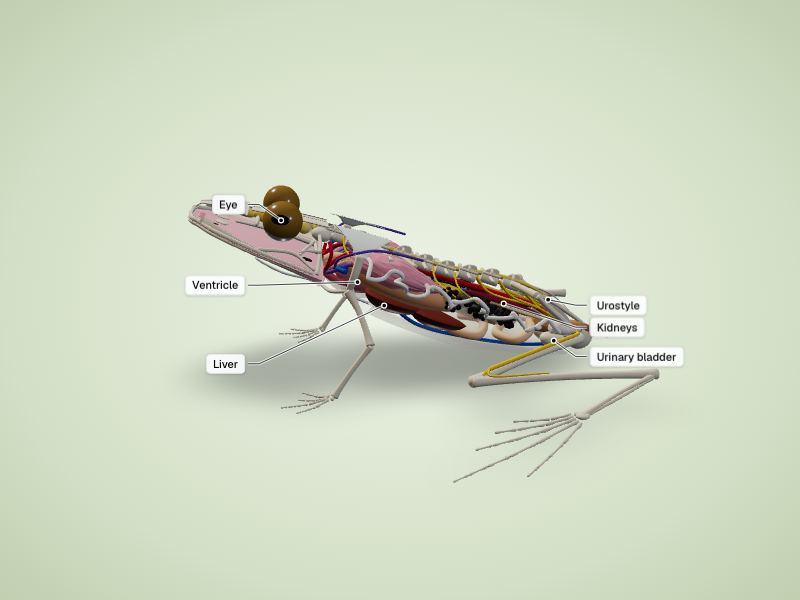
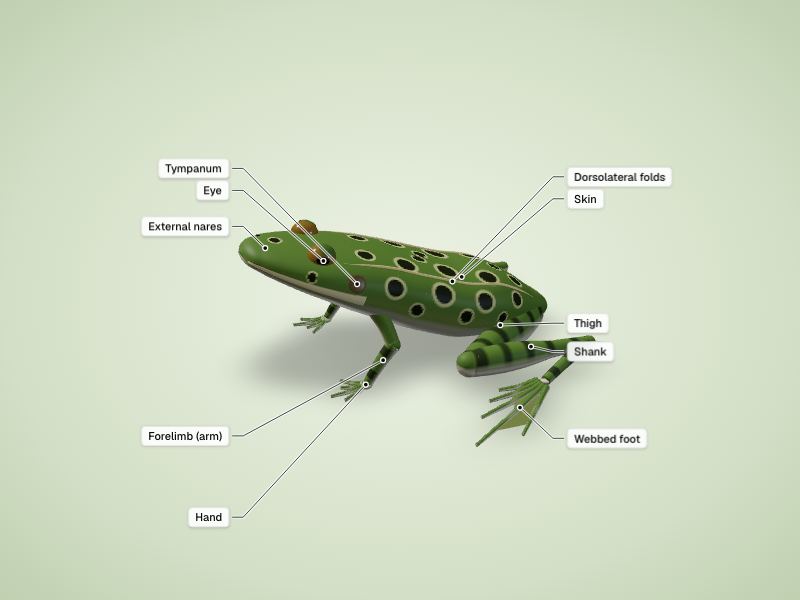
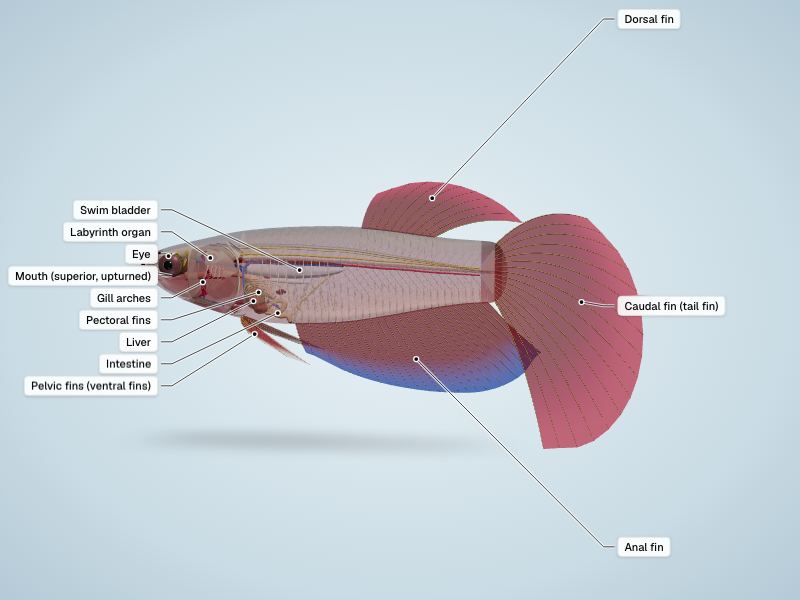
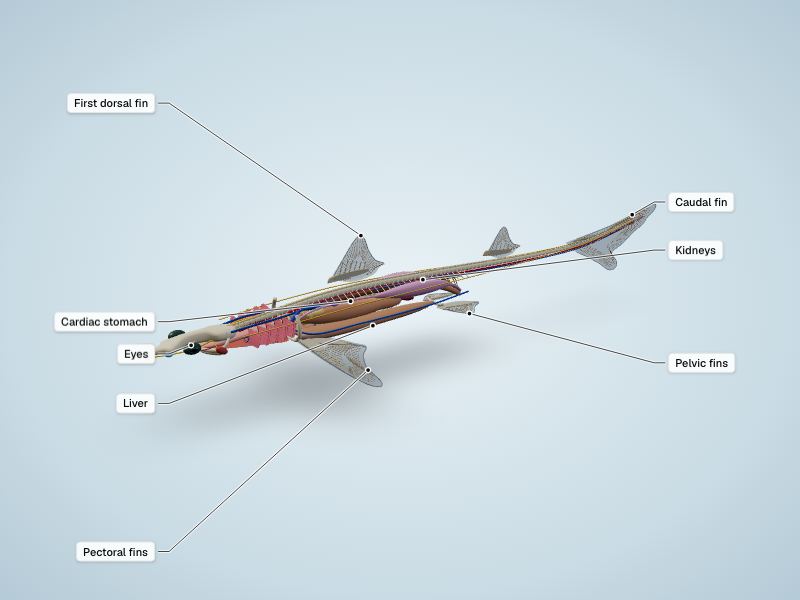
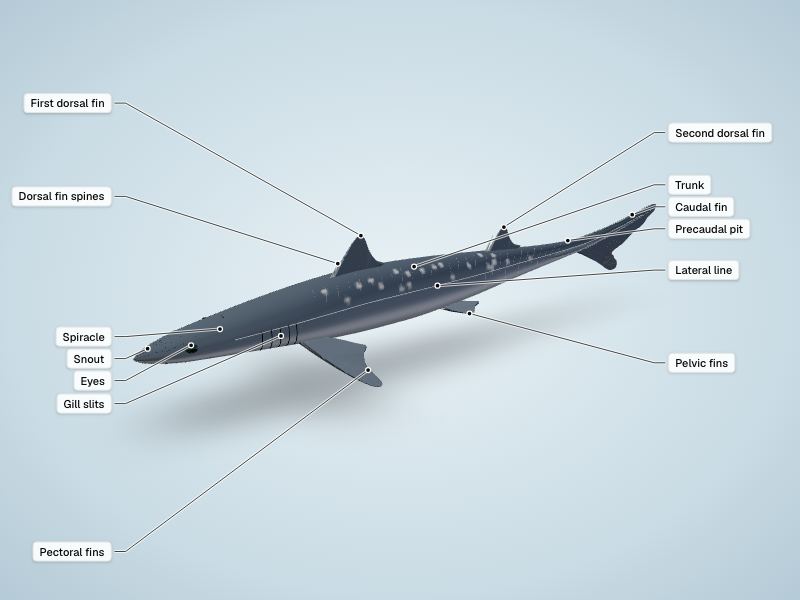
Fish & sharks
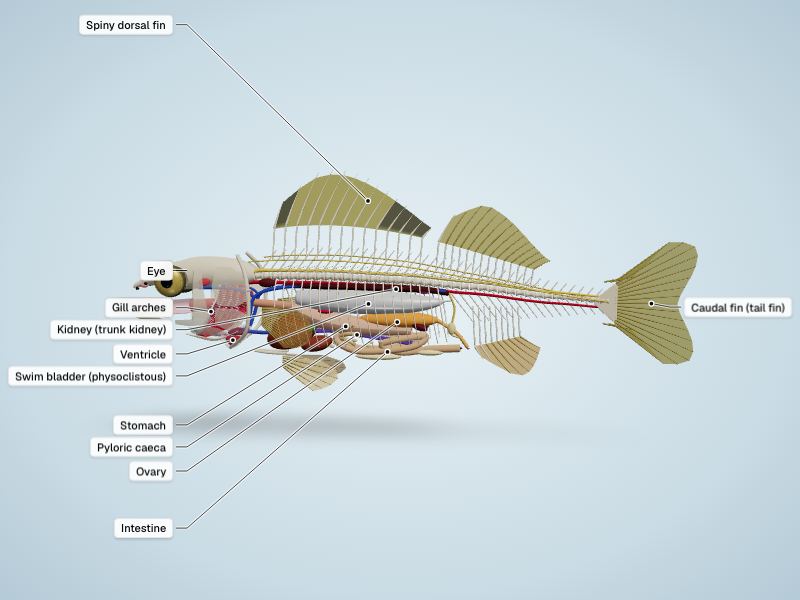
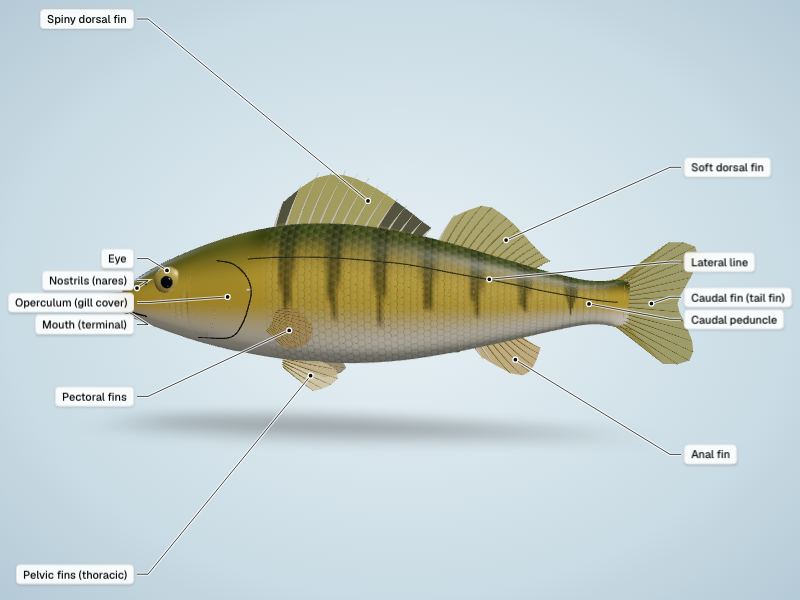
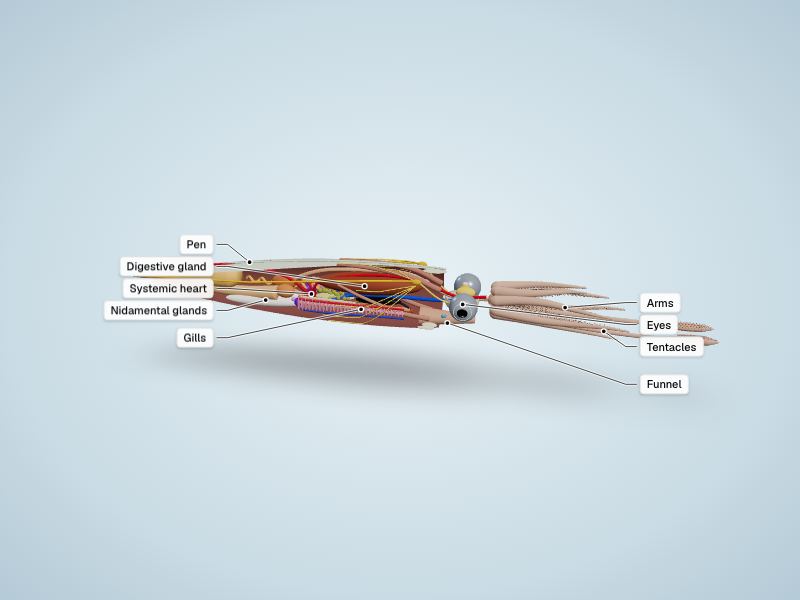
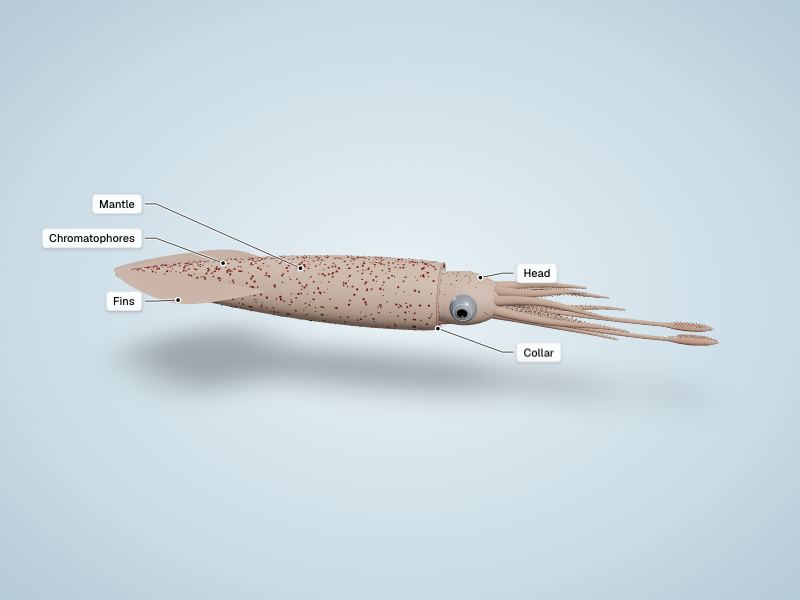
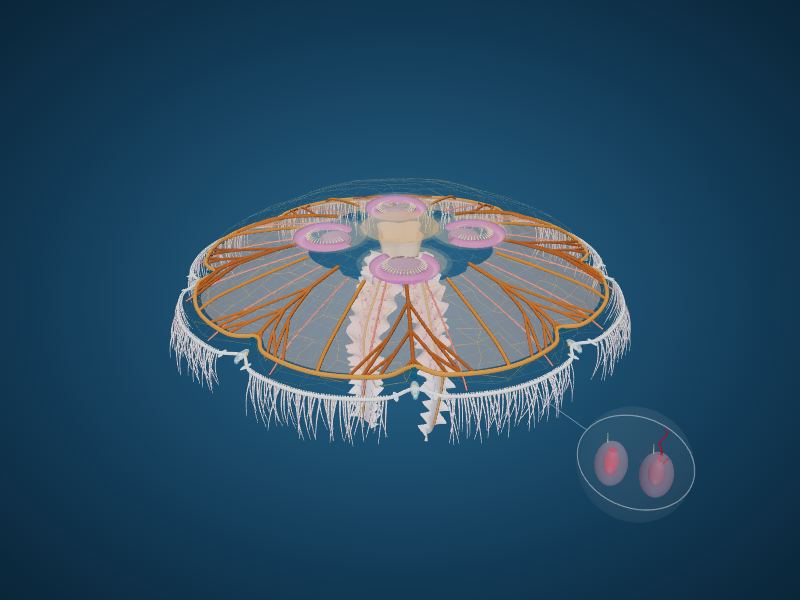
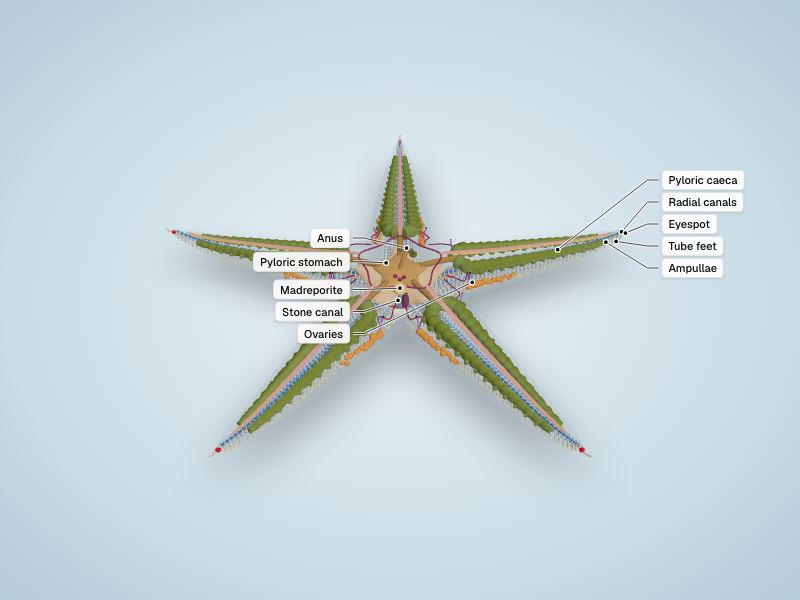
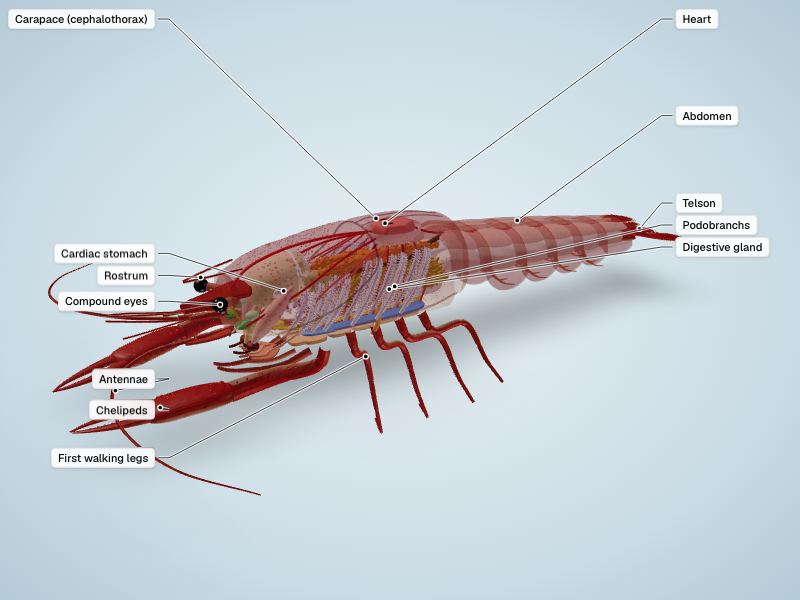
Marine invertebrates
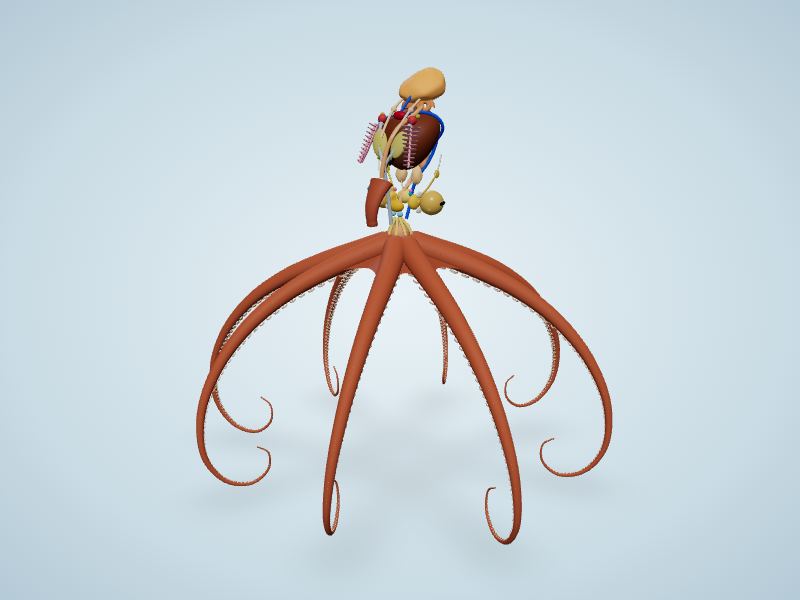
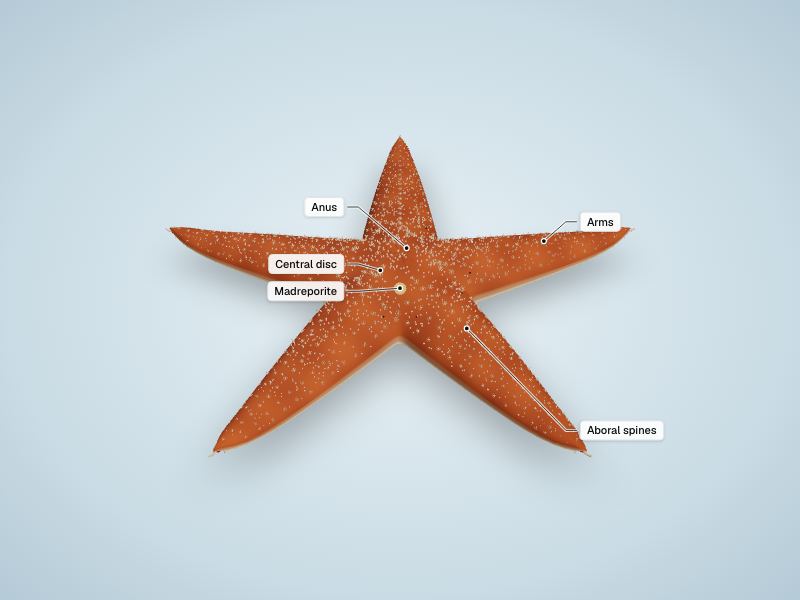
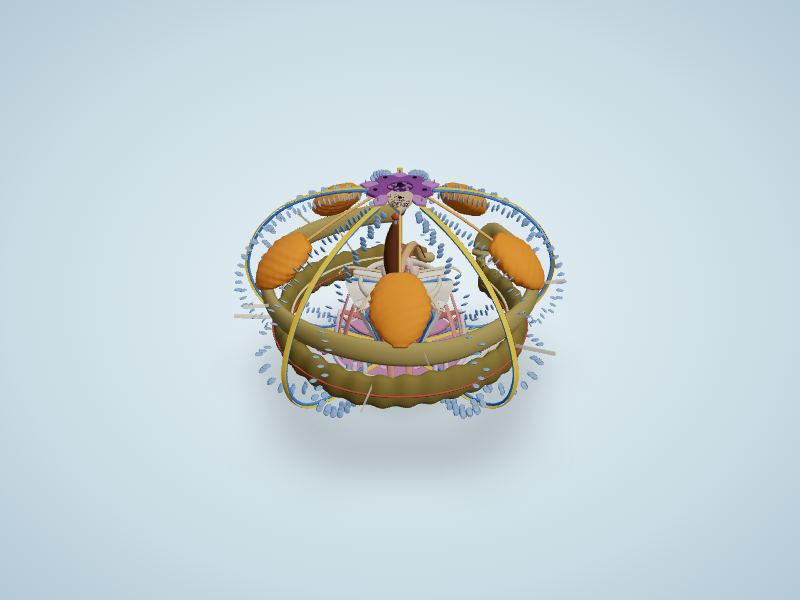
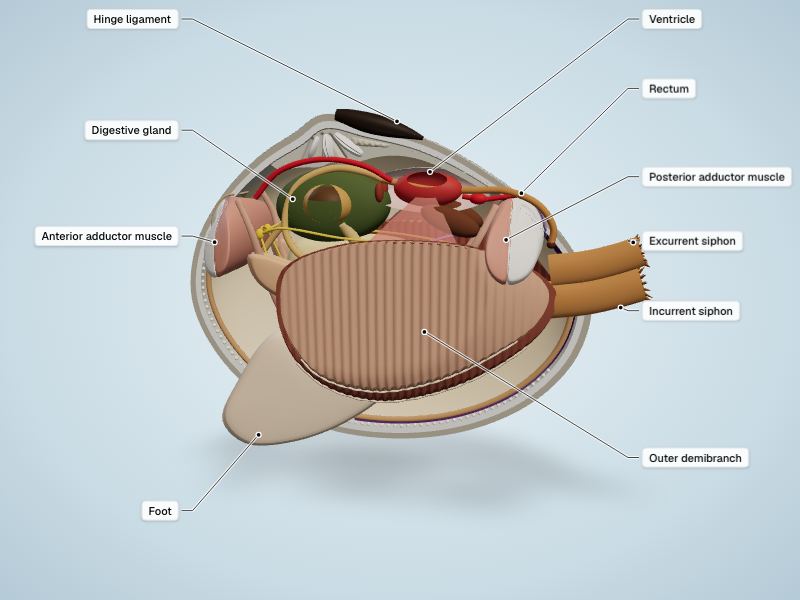
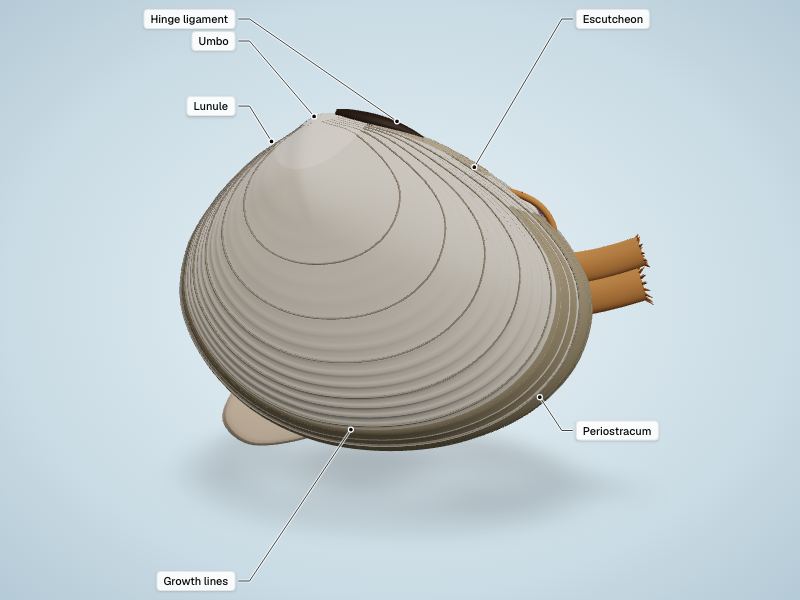
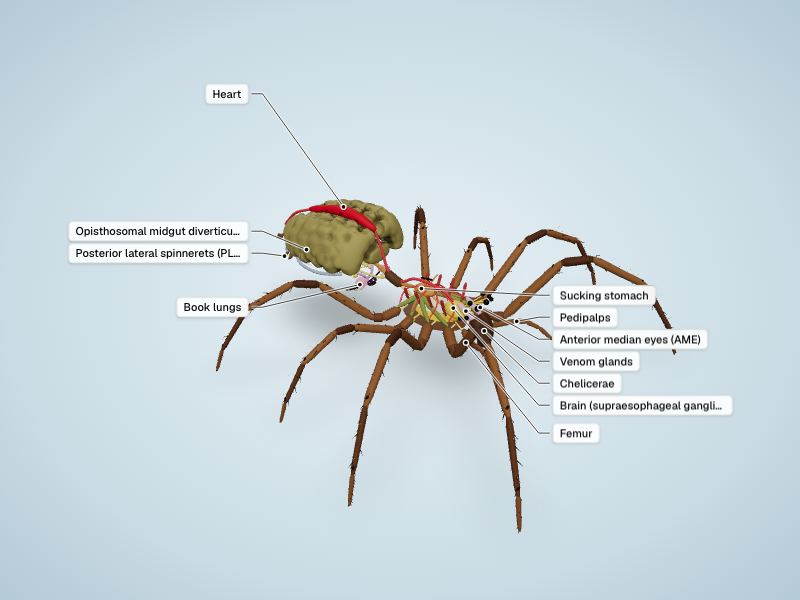
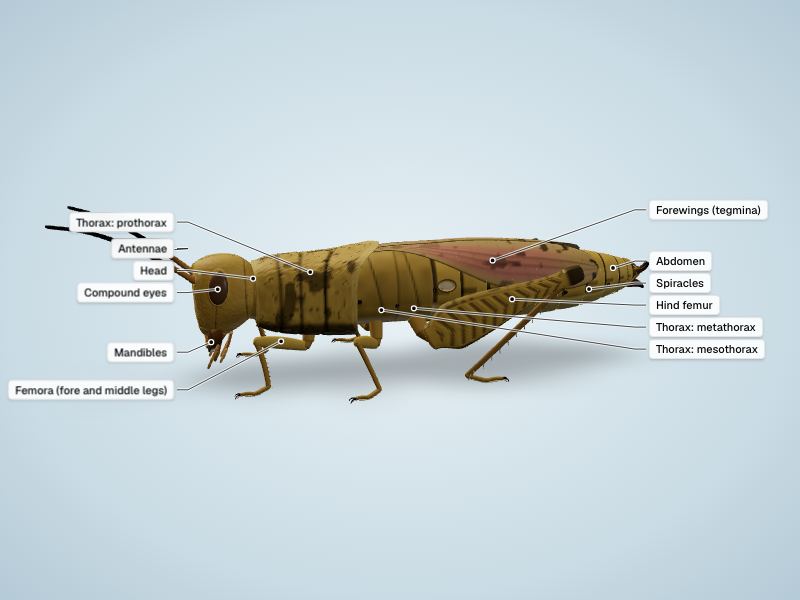
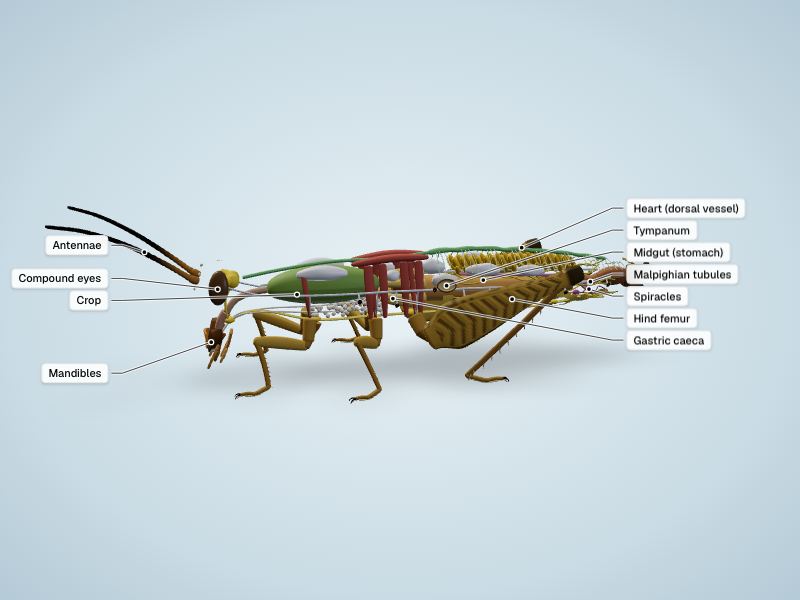
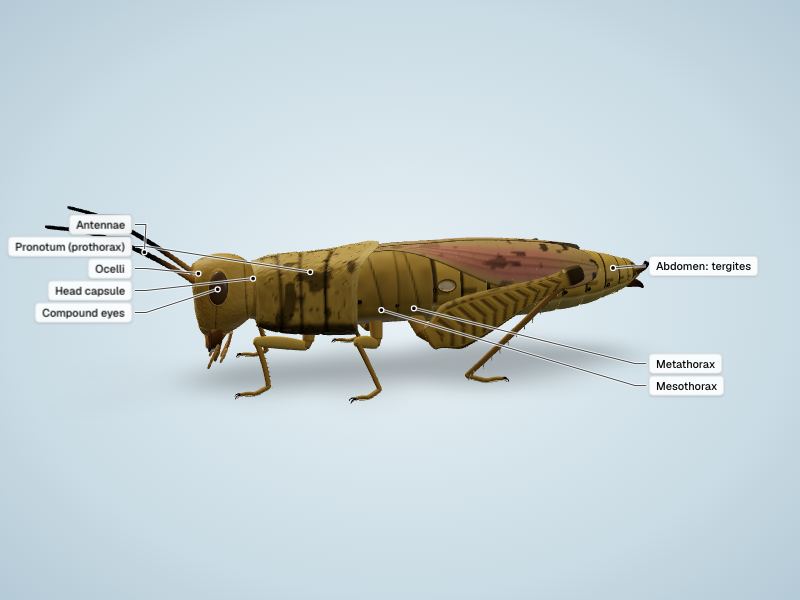
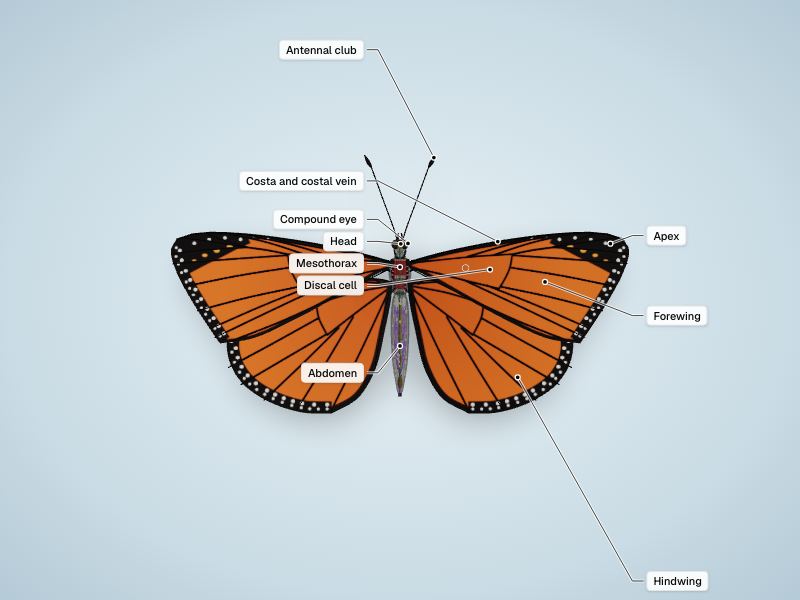
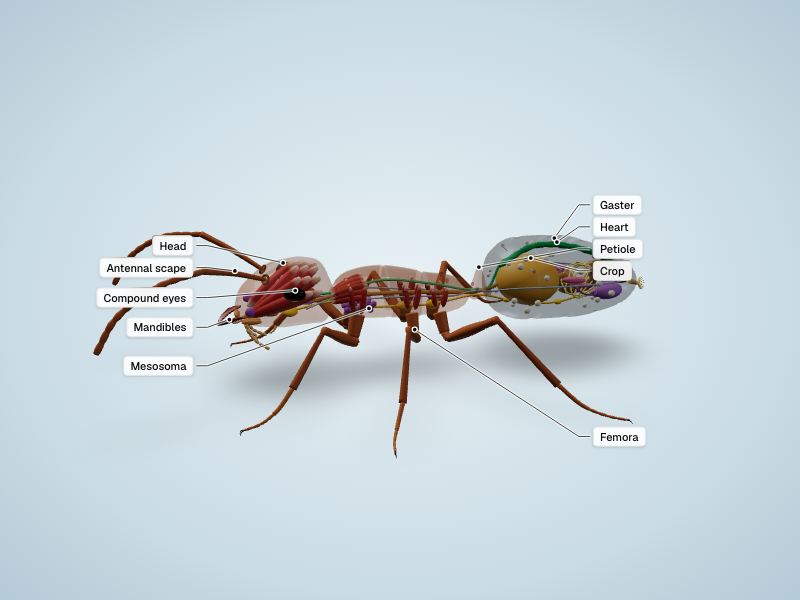
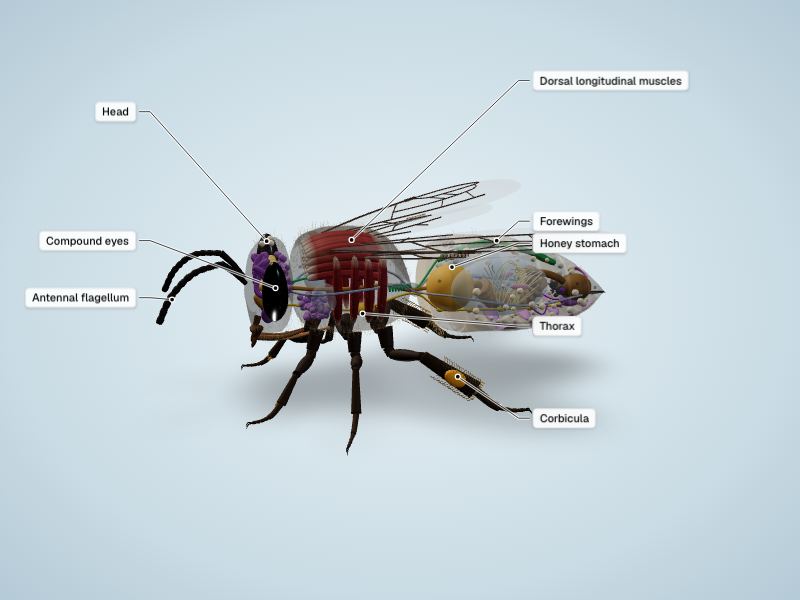
Insects, spiders & other invertebrates
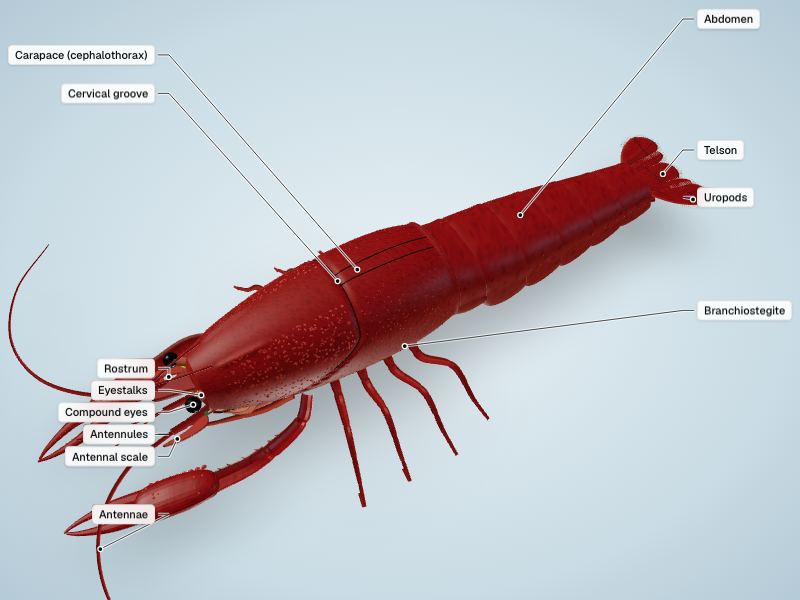
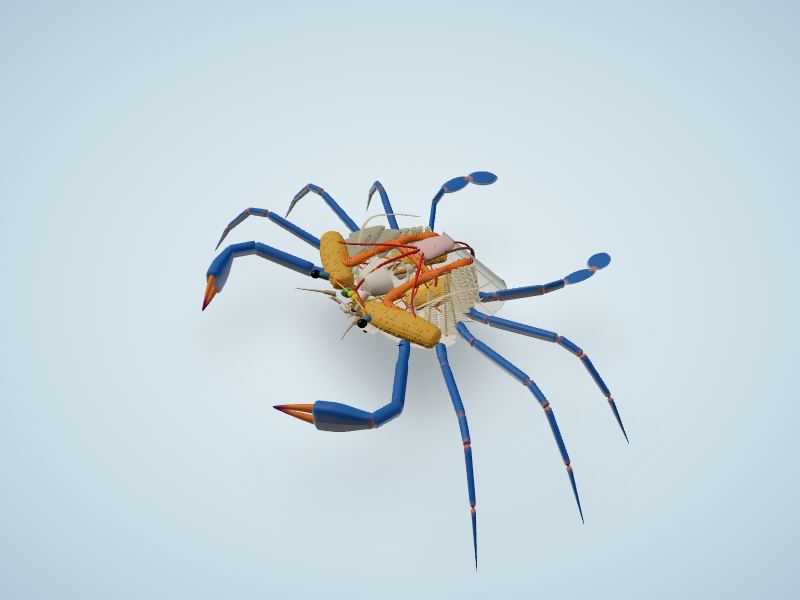
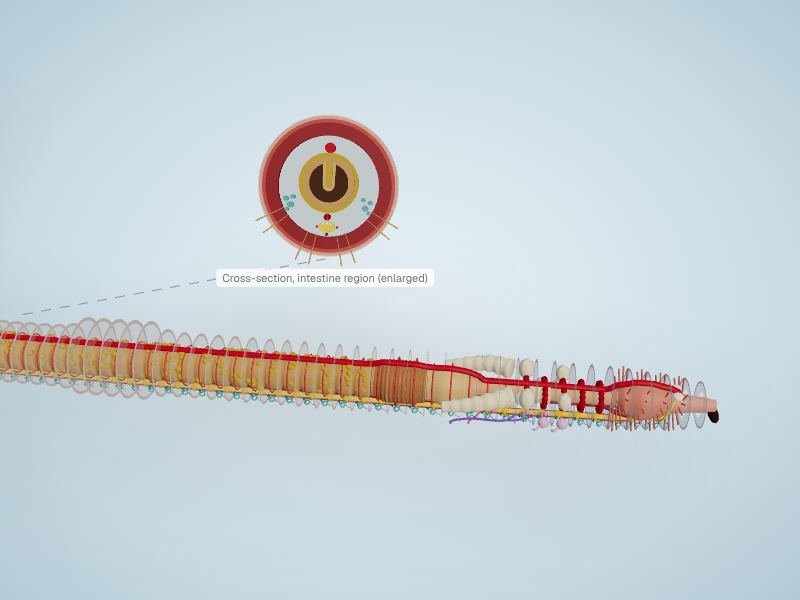
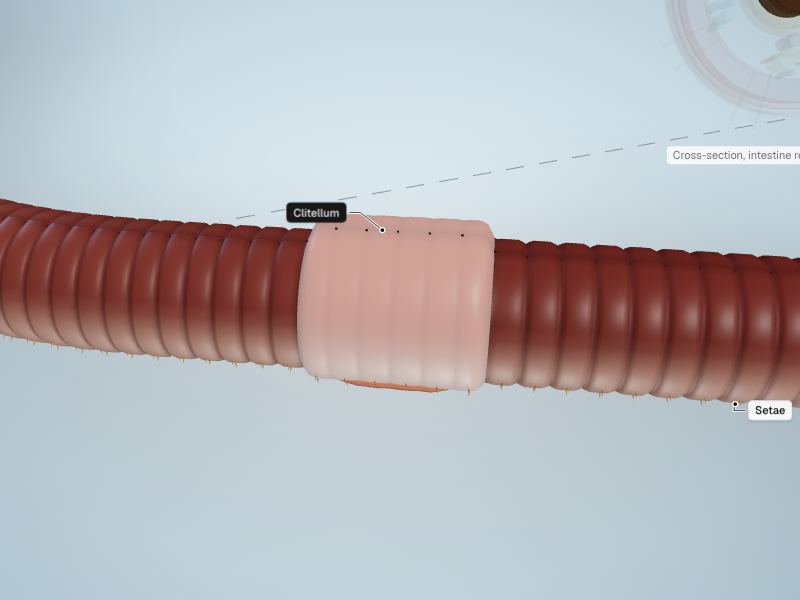
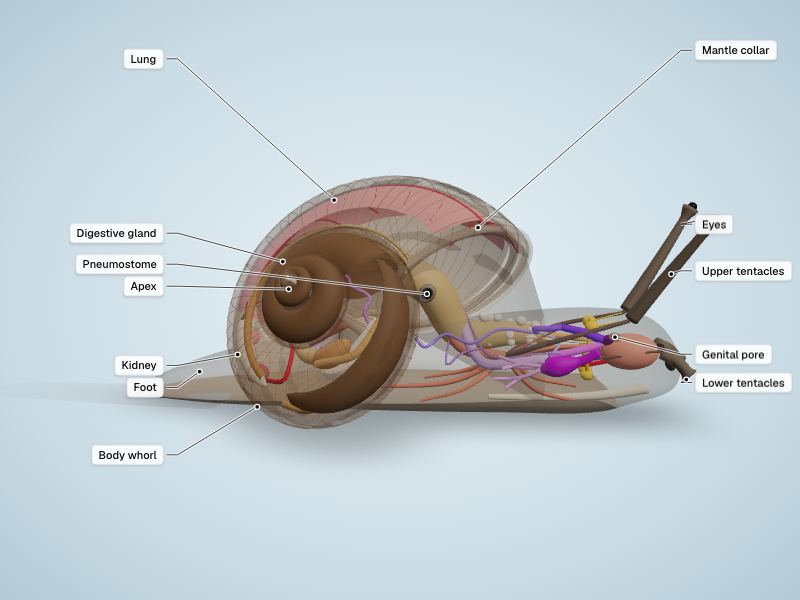
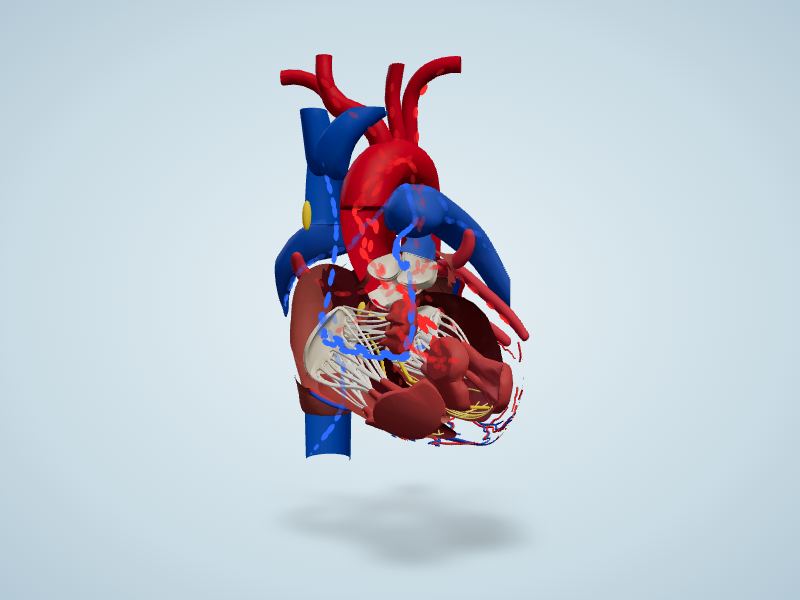
Organ dissections
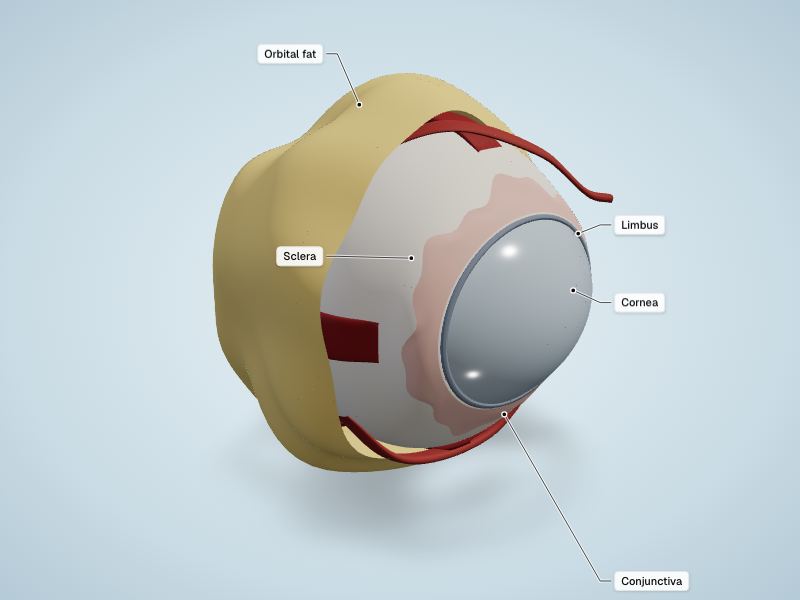
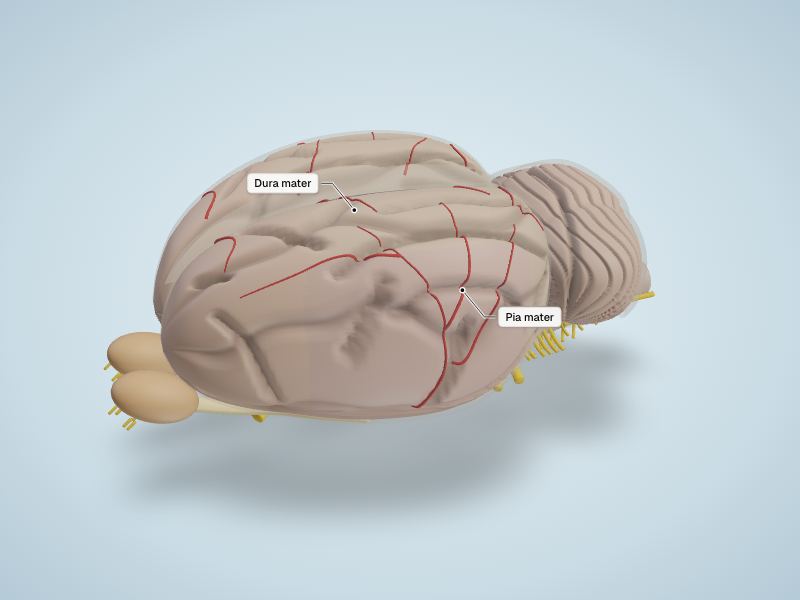
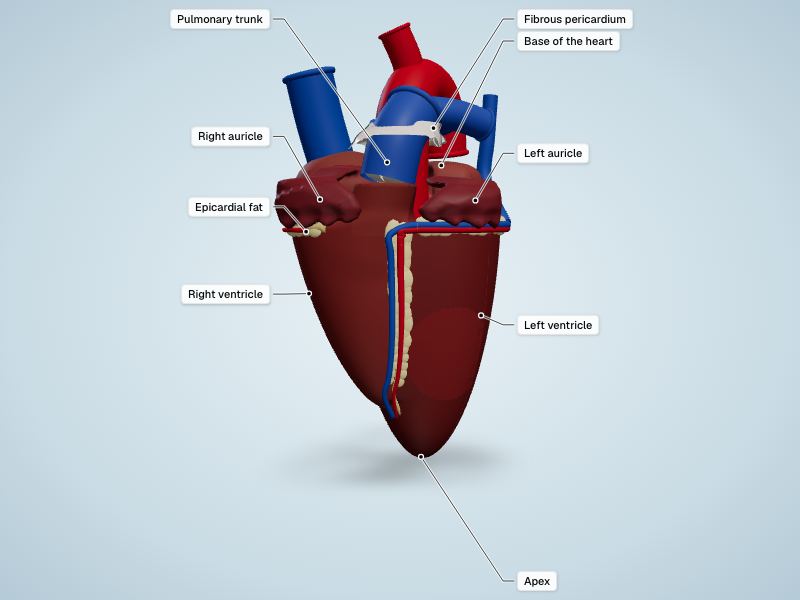
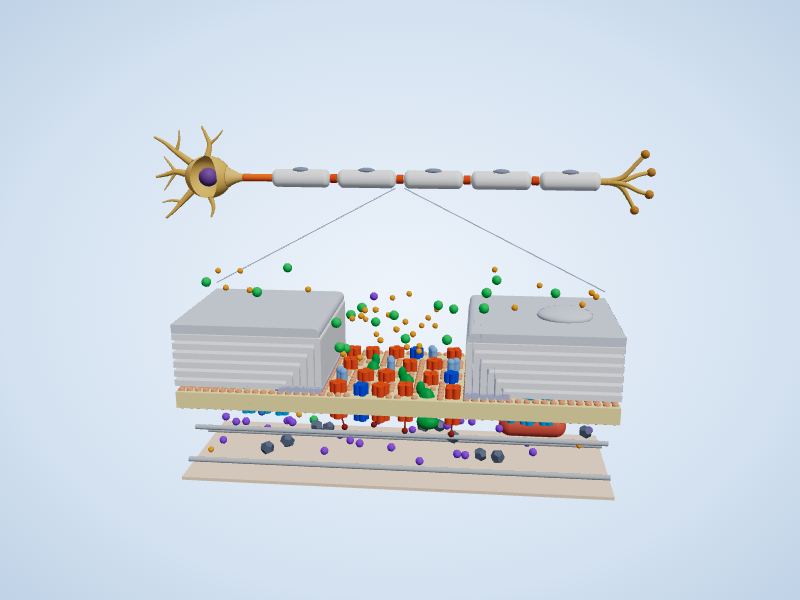
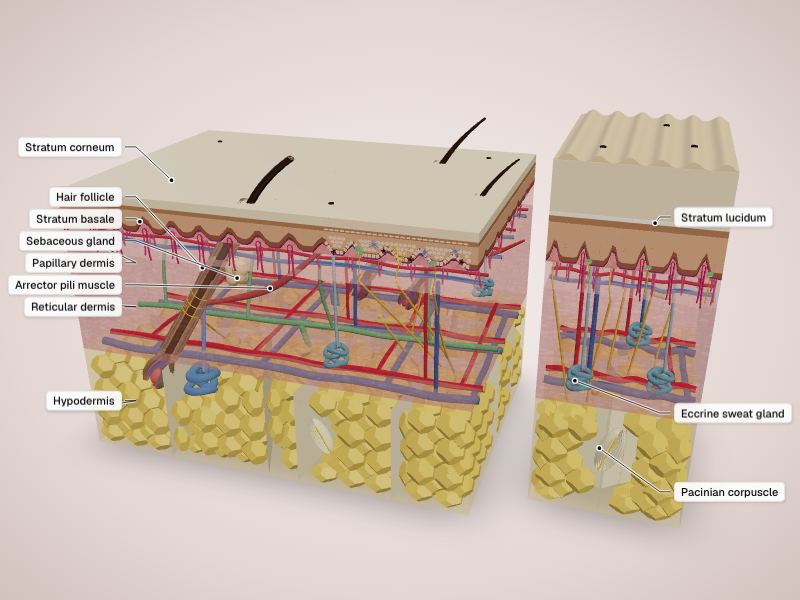
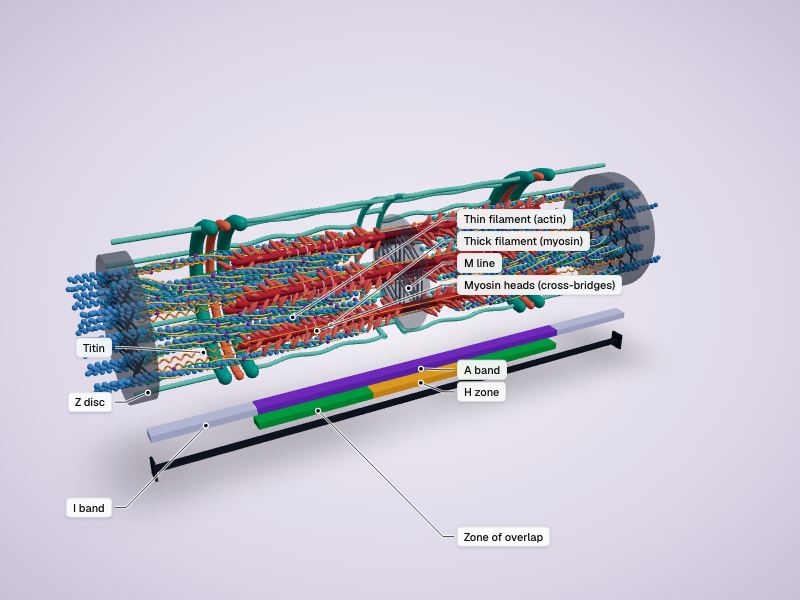
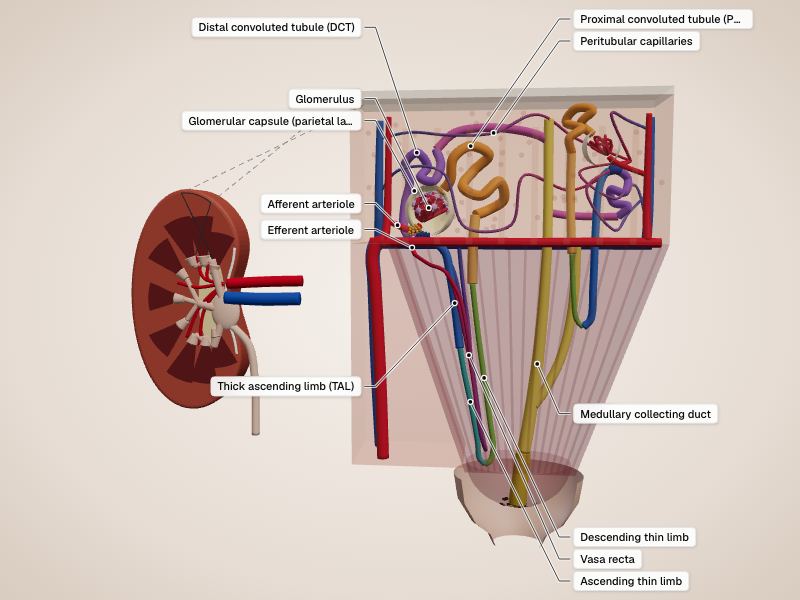
Human tissues & physiology
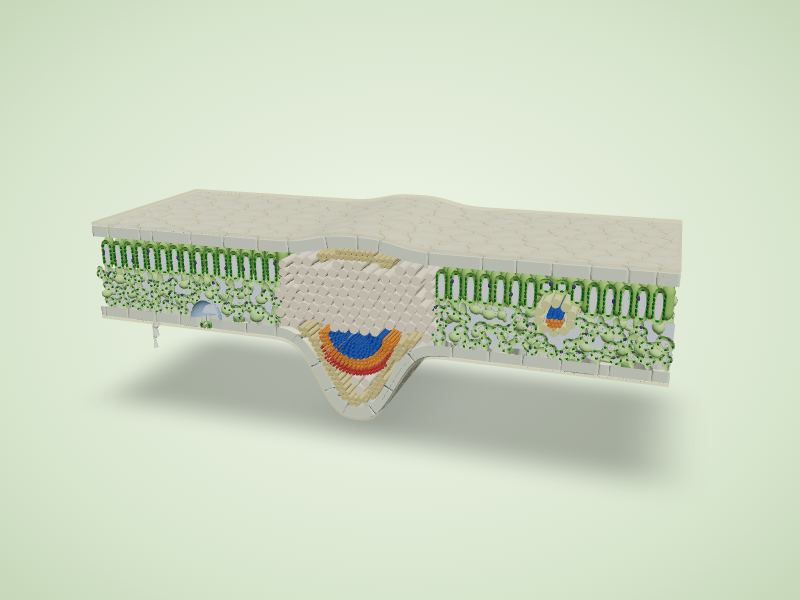
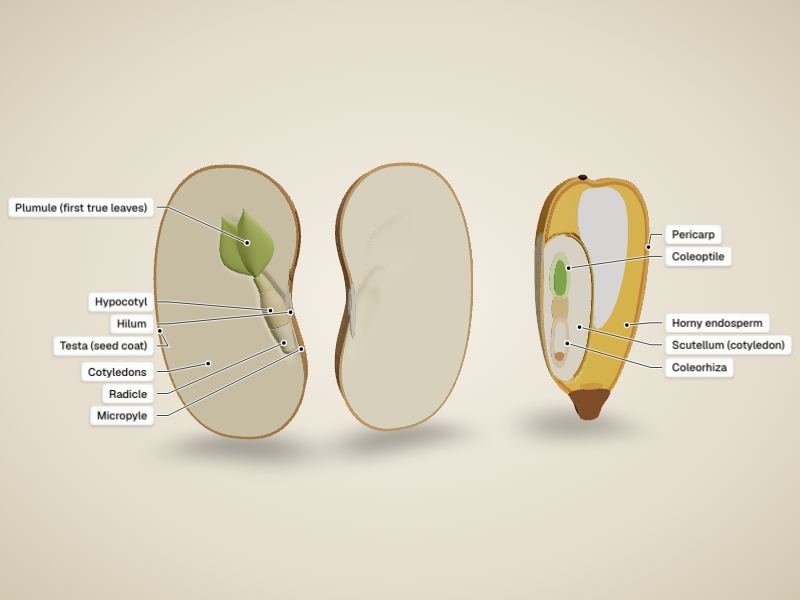
Plants

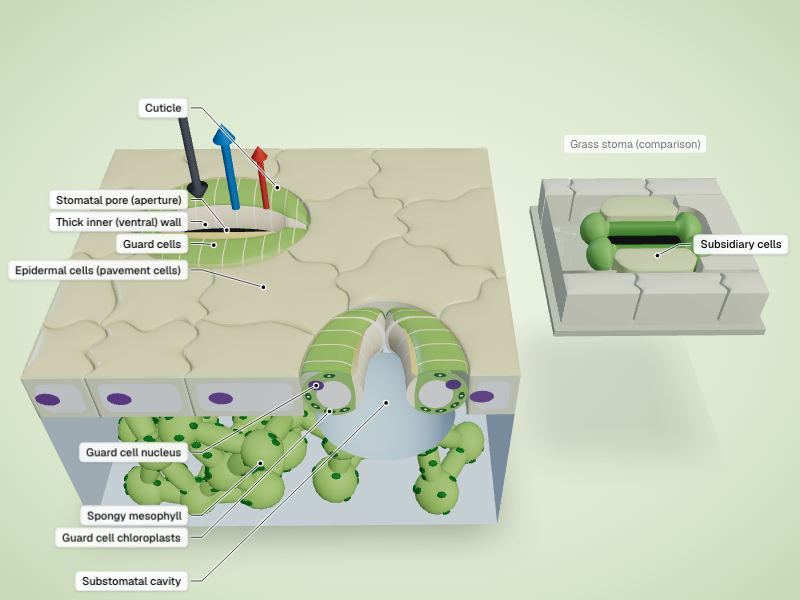
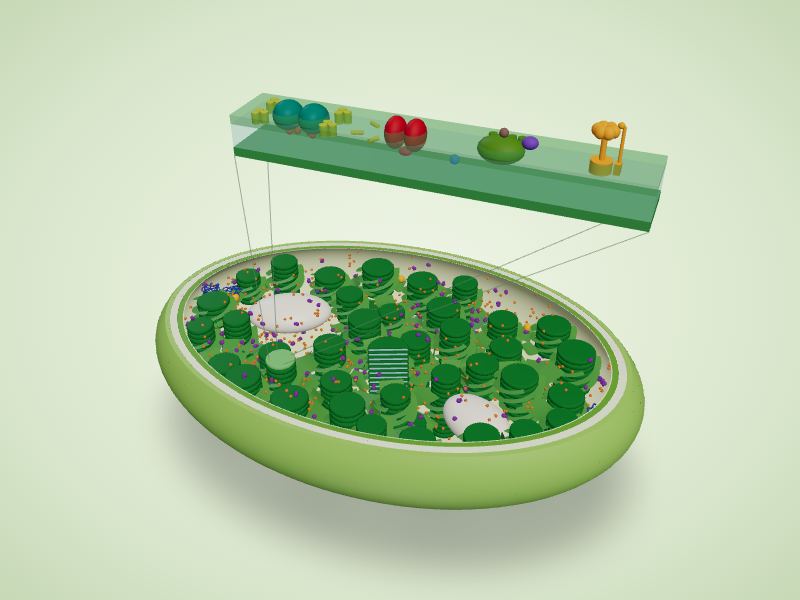
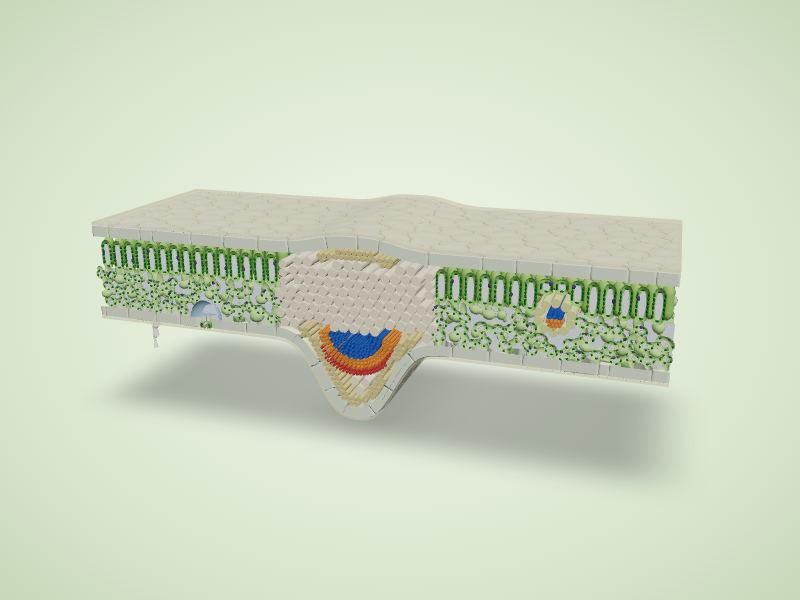
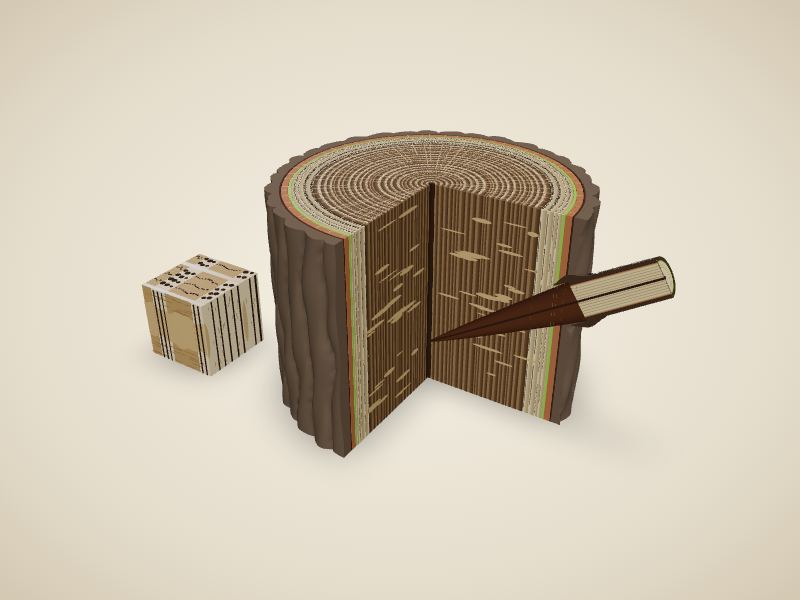
Cells & microbes
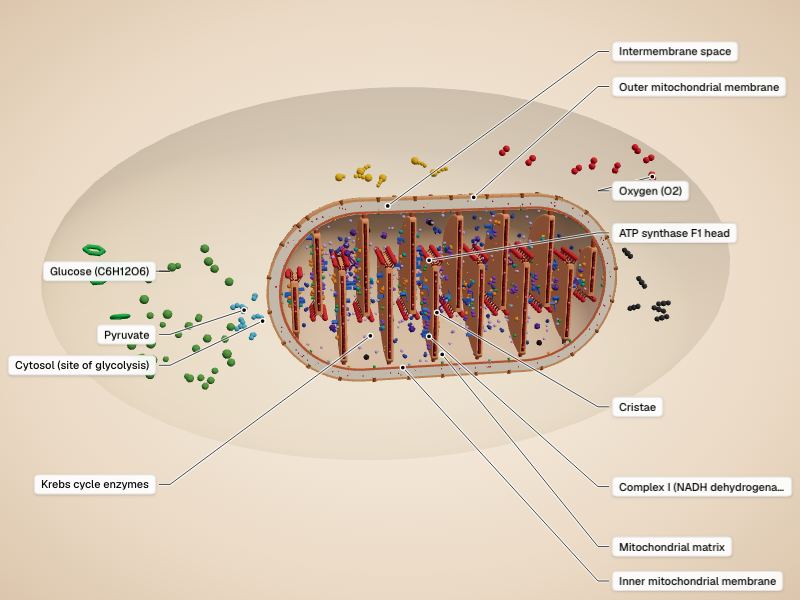
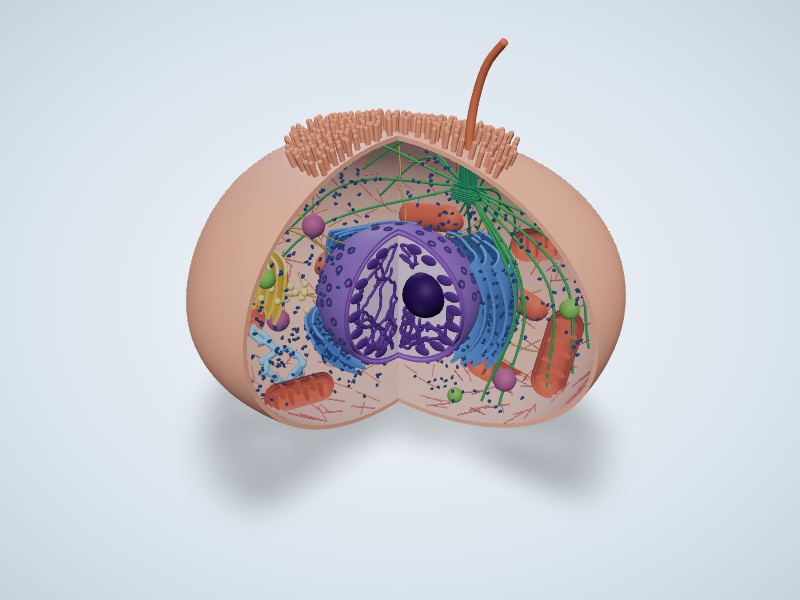
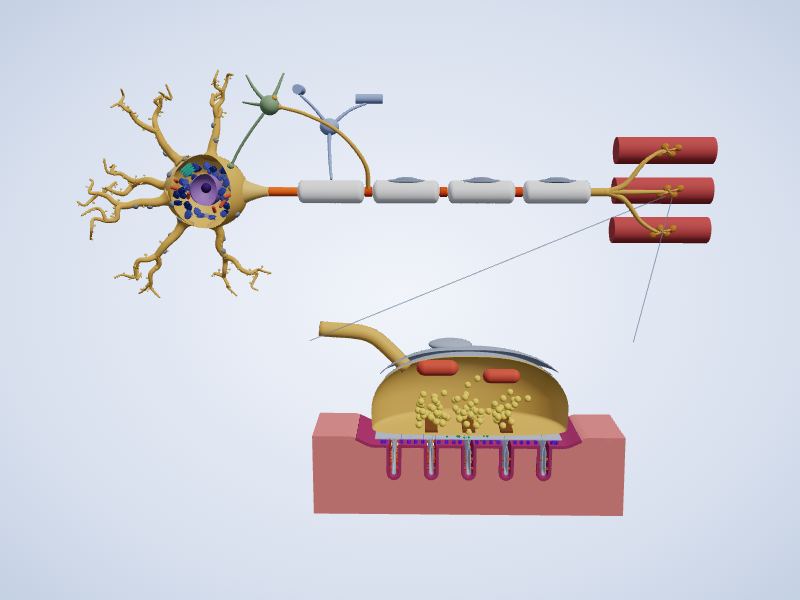
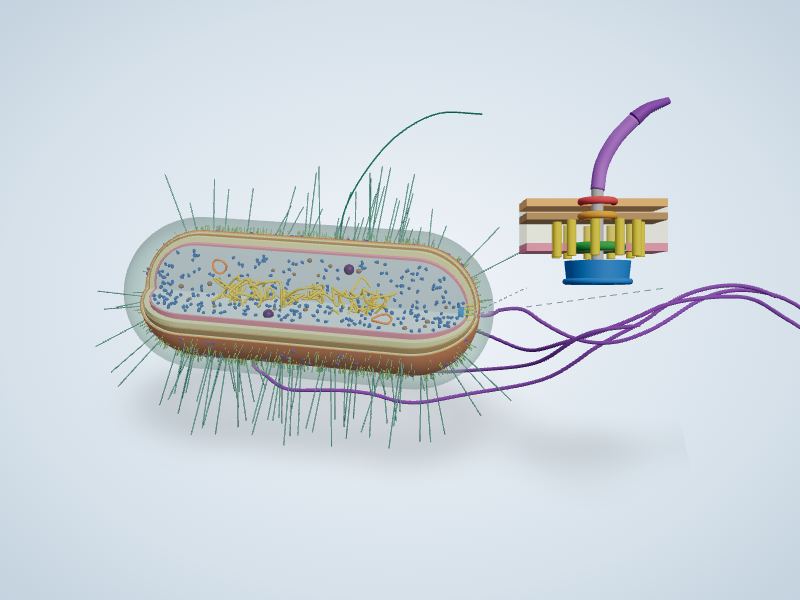
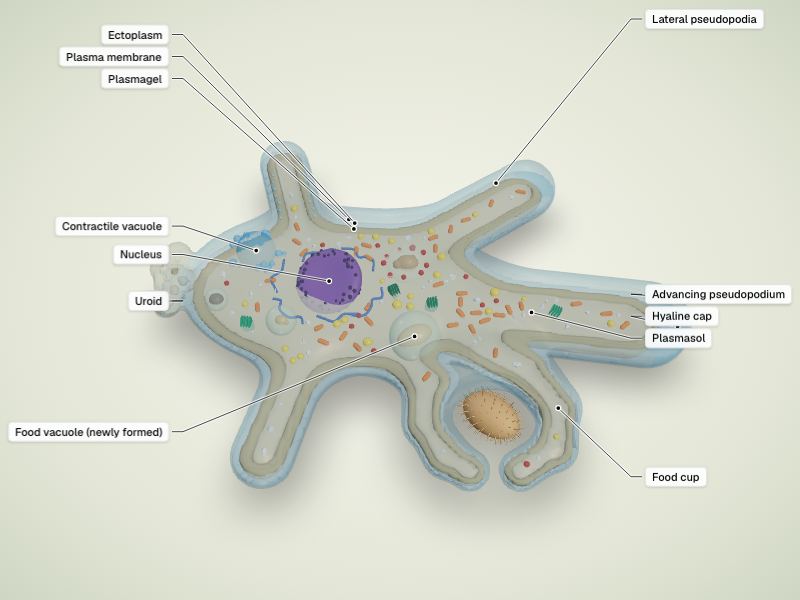
Human body parts, framed on one structure
201 more embeds show the human model framed on one bone, muscle, organ or region, the same view as the matching human anatomy guide. Open a body system to copy one.
Skin (2)
Skeletal (61)
- Anatomical termsPreview Anatomical terms (opens in a new tab)
- Ankle jointPreview Ankle joint (opens in a new tab)
- Arm bonesPreview Arm bones (opens in a new tab)
- Back anatomyPreview Back anatomy (opens in a new tab)
- Body regionsPreview Body regions (opens in a new tab)
- Bone structurePreview Bone structure (opens in a new tab)
- Cervical vertebraePreview Cervical vertebrae (opens in a new tab)
- ClaviclePreview Clavicle (opens in a new tab)
- CoccyxPreview Coccyx (opens in a new tab)
- Cuboid bonePreview Cuboid bone (opens in a new tab)
- DermatomesPreview Dermatomes (opens in a new tab)
- Directional termsPreview Directional terms (opens in a new tab)
- Ethmoid bonePreview Ethmoid bone (opens in a new tab)
- External earPreview External ear (opens in a new tab)
- FemurPreview Femur (opens in a new tab)
- FibulaPreview Fibula (opens in a new tab)
- Fifth ribPreview Fifth rib (opens in a new tab)
- Foot anatomyPreview Foot anatomy (opens in a new tab)
- Foot bonesPreview Foot bones (opens in a new tab)
- Frontal bonePreview Frontal bone (opens in a new tab)
- Hand anatomyPreview Hand anatomy (opens in a new tab)
- Hand bonesPreview Hand bones (opens in a new tab)
- Hip jointPreview Hip joint (opens in a new tab)
- HumerusPreview Humerus (opens in a new tab)
- IliumPreview Ilium (opens in a new tab)
- IschiumPreview Ischium (opens in a new tab)
- Knee jointPreview Knee joint (opens in a new tab)
- Leg bonesPreview Leg bones (opens in a new tab)
- MandiblePreview Mandible (opens in a new tab)
- MaxillaPreview Maxilla (opens in a new tab)
- Medial cuneiform bonePreview Medial cuneiform bone (opens in a new tab)
- Muscles of masticationPreview Muscles of mastication (opens in a new tab)
- Nasal bonePreview Nasal bone (opens in a new tab)
- Nose anatomyPreview Nose anatomy (opens in a new tab)
- Occipital bonePreview Occipital bone (opens in a new tab)
- Palatine bonePreview Palatine bone (opens in a new tab)
- Parietal bonePreview Parietal bone (opens in a new tab)
- PatellaPreview Patella (opens in a new tab)
- PelvisPreview Pelvis (opens in a new tab)
- PisiformPreview Pisiform (opens in a new tab)
- RadiusPreview Radius (opens in a new tab)
- Rib cagePreview Rib cage (opens in a new tab)
- SacrumPreview Sacrum (opens in a new tab)
- ScaphoidPreview Scaphoid (opens in a new tab)
- ScapulaPreview Scapula (opens in a new tab)
- Second costal cartilagePreview Second costal cartilage (opens in a new tab)
- Sixth ribPreview Sixth rib (opens in a new tab)
- Skeletal systemPreview Skeletal system (opens in a new tab)
- Skull bonesPreview Skull bones (opens in a new tab)
- Skull foraminaPreview Skull foramina (opens in a new tab)
- Sphenoid bonePreview Sphenoid bone (opens in a new tab)
- TemplePreview Temple (opens in a new tab)
- Temporal bonePreview Temporal bone (opens in a new tab)
- Temporomandibular joint (TMJ)Preview Temporomandibular joint (TMJ) (opens in a new tab)
- TibiaPreview Tibia (opens in a new tab)
- UlnaPreview Ulna (opens in a new tab)
- Vertebral columnPreview Vertebral column (opens in a new tab)
- VomerPreview Vomer (opens in a new tab)
- Wrist bones (carpal bones)Preview Wrist bones (carpal bones) (opens in a new tab)
- Wrist jointPreview Wrist joint (opens in a new tab)
- Zygomatic bonePreview Zygomatic bone (opens in a new tab)
Muscular (50)
- Abdominal musclesPreview Abdominal muscles (opens in a new tab)
- Anatomy drawing referencePreview Anatomy drawing reference (opens in a new tab)
- Arm anatomyPreview Arm anatomy (opens in a new tab)
- Arm musclesPreview Arm muscles (opens in a new tab)
- Back musclesPreview Back muscles (opens in a new tab)
- Biceps brachiiPreview Biceps brachii (opens in a new tab)
- BrachialisPreview Brachialis (opens in a new tab)
- BrachioradialisPreview Brachioradialis (opens in a new tab)
- ButtocksPreview Buttocks (opens in a new tab)
- Chest anatomyPreview Chest anatomy (opens in a new tab)
- Chest musclesPreview Chest muscles (opens in a new tab)
- DeltoidPreview Deltoid (opens in a new tab)
- Extensor carpi radialis longusPreview Extensor carpi radialis longus (opens in a new tab)
- Extensor digitorumPreview Extensor digitorum (opens in a new tab)
- Eye musclesPreview Eye muscles (opens in a new tab)
- Fibularis longusPreview Fibularis longus (opens in a new tab)
- Foot musclesPreview Foot muscles (opens in a new tab)
- Forearm musclesPreview Forearm muscles (opens in a new tab)
- Gluteus mediusPreview Gluteus medius (opens in a new tab)
- Hand musclesPreview Hand muscles (opens in a new tab)
- Hip musclesPreview Hip muscles (opens in a new tab)
- Infraspinatus musclePreview Infraspinatus muscle (opens in a new tab)
- Internal intercostal musclePreview Internal intercostal muscle (opens in a new tab)
- Internal obliquePreview Internal oblique (opens in a new tab)
- Leg anatomyPreview Leg anatomy (opens in a new tab)
- Leg musclesPreview Leg muscles (opens in a new tab)
- Levator palpebrae superiorisPreview Levator palpebrae superioris (opens in a new tab)
- Levator scapulaePreview Levator scapulae (opens in a new tab)
- Muscular systemPreview Muscular system (opens in a new tab)
- Neck anatomyPreview Neck anatomy (opens in a new tab)
- Neck musclesPreview Neck muscles (opens in a new tab)
- Pelvic floor and perineumPreview Pelvic floor and perineum (opens in a new tab)
- Pharyngeal raphePreview Pharyngeal raphe (opens in a new tab)
- PlantarisPreview Plantaris (opens in a new tab)
- Psoas majorPreview Psoas major (opens in a new tab)
- Quadratus femorisPreview Quadratus femoris (opens in a new tab)
- QuadricepsPreview Quadriceps (opens in a new tab)
- Rectus femorisPreview Rectus femoris (opens in a new tab)
- Rotator cuffPreview Rotator cuff (opens in a new tab)
- Shoulder jointPreview Shoulder joint (opens in a new tab)
- Splenius capitisPreview Splenius capitis (opens in a new tab)
- SubscapularisPreview Subscapularis (opens in a new tab)
- SupraspinatusPreview Supraspinatus (opens in a new tab)
- Thigh musclesPreview Thigh muscles (opens in a new tab)
- Throat anatomyPreview Throat anatomy (opens in a new tab)
- TonguePreview Tongue (opens in a new tab)
- TonsilsPreview Tonsils (opens in a new tab)
- TrapeziusPreview Trapezius (opens in a new tab)
- Triceps brachiiPreview Triceps brachii (opens in a new tab)
- Vastus lateralisPreview Vastus lateralis (opens in a new tab)
Nervous (16)
- Basal gangliaPreview Basal ganglia (opens in a new tab)
- Brain anatomyPreview Brain anatomy (opens in a new tab)
- Brain ventriclesPreview Brain ventricles (opens in a new tab)
- Central canal of spinal cordPreview Central canal of spinal cord (opens in a new tab)
- CerebellumPreview Cerebellum (opens in a new tab)
- Cranial nervesPreview Cranial nerves (opens in a new tab)
- Head anatomyPreview Head anatomy (opens in a new tab)
- InsulaPreview Insula (opens in a new tab)
- MidbrainPreview Midbrain (opens in a new tab)
- Nervous systemPreview Nervous system (opens in a new tab)
- OrbitPreview Orbit (opens in a new tab)
- Pineal bodyPreview Pineal body (opens in a new tab)
- Pituitary glandPreview Pituitary gland (opens in a new tab)
- ScalpPreview Scalp (opens in a new tab)
- ThalamusPreview Thalamus (opens in a new tab)
- Third ventriclePreview Third ventricle (opens in a new tab)
Eye & ear (2)
Cardiovascular (37)
- Abdominal aortaPreview Abdominal aorta (opens in a new tab)
- Abductor hallucisPreview Abductor hallucis (opens in a new tab)
- Adrenal glandPreview Adrenal gland (opens in a new tab)
- AortaPreview Aorta (opens in a new tab)
- Axilla (armpit)Preview Axilla (armpit) (opens in a new tab)
- Axillary arteryPreview Axillary artery (opens in a new tab)
- Basilic veinPreview Basilic vein (opens in a new tab)
- Brachial arteryPreview Brachial artery (opens in a new tab)
- Brain arteriesPreview Brain arteries (opens in a new tab)
- Carotid arteriesPreview Carotid arteries (opens in a new tab)
- Celiac trunkPreview Celiac trunk (opens in a new tab)
- Cephalic veinPreview Cephalic vein (opens in a new tab)
- Circulatory systemPreview Circulatory system (opens in a new tab)
- Common iliac arteryPreview Common iliac artery (opens in a new tab)
- Common iliac veinPreview Common iliac vein (opens in a new tab)
- Coronary arteriesPreview Coronary arteries (opens in a new tab)
- Descending aortaPreview Descending aorta (opens in a new tab)
- DiaphragmPreview Diaphragm (opens in a new tab)
- Elbow jointPreview Elbow joint (opens in a new tab)
- Esophagus (oesophagus)Preview Esophagus (oesophagus) (opens in a new tab)
- Femoral arteryPreview Femoral artery (opens in a new tab)
- Great saphenous veinPreview Great saphenous vein (opens in a new tab)
- GroinPreview Groin (opens in a new tab)
- HeartPreview Heart (opens in a new tab)
- Inferior vena cavaPreview Inferior vena cava (opens in a new tab)
- Internal jugular veinPreview Internal jugular vein (opens in a new tab)
- Lower limb arteriesPreview Lower limb arteries (opens in a new tab)
- PancreasPreview Pancreas (opens in a new tab)
- Popliteal arteryPreview Popliteal artery (opens in a new tab)
- Portal veinPreview Portal vein (opens in a new tab)
- Posterior tibial arteryPreview Posterior tibial artery (opens in a new tab)
- Radial arteryPreview Radial artery (opens in a new tab)
- SpleenPreview Spleen (opens in a new tab)
- StomachPreview Stomach (opens in a new tab)
- Thyroid glandPreview Thyroid gland (opens in a new tab)
- Upper limb blood vesselsPreview Upper limb blood vessels (opens in a new tab)
- Vagus nervePreview Vagus nerve (opens in a new tab)
Respiratory (4)
Digestive (11)
- AbdomenPreview Abdomen (opens in a new tab)
- Digestive systemPreview Digestive system (opens in a new tab)
- GallbladderPreview Gallbladder (opens in a new tab)
- Human body diagramPreview Human body diagram (opens in a new tab)
- Large intestinePreview Large intestine (opens in a new tab)
- LiverPreview Liver (opens in a new tab)
- MesoappendixPreview Mesoappendix (opens in a new tab)
- Mouth anatomyPreview Mouth anatomy (opens in a new tab)
- Organs of the bodyPreview Organs of the body (opens in a new tab)
- Small intestinePreview Small intestine (opens in a new tab)
- TeethPreview Teeth (opens in a new tab)
Urinary (4)
Reproductive (12)
- Breast anatomyPreview Breast anatomy (opens in a new tab)
- Female anatomyPreview Female anatomy (opens in a new tab)
- Female reproductive systemPreview Female reproductive system (opens in a new tab)
- Male anatomyPreview Male anatomy (opens in a new tab)
- Male reproductive systemPreview Male reproductive system (opens in a new tab)
- PenisPreview Penis (opens in a new tab)
- Pregnancy anatomyPreview Pregnancy anatomy (opens in a new tab)
- ProstatePreview Prostate (opens in a new tab)
- ScrotumPreview Scrotum (opens in a new tab)
- TestisPreview Testis (opens in a new tab)
- UterusPreview Uterus (opens in a new tab)
- VaginaPreview Vagina (opens in a new tab)
How to embed a 3D model on your site
The embed code is a standard iframe, so it works anywhere you can add HTML or an embed. Where to paste it on common platforms:
- Google Sites
- In the Insert panel choose Embed, open the Embed code tab, paste the code, click Next and then Insert.
- Canvas
- In the Rich Content Editor open the HTML editor (the </> button) and paste the code, or use Insert → Embed and paste it there. Save the page.
- Moodle
- In the Atto or TinyMCE editor switch to the HTML (source code) view, paste the code and save. If the model is gone after saving, ask your Moodle administrator whether iframes are allowed.
- WordPress
- Add a Custom HTML block, paste the code and update the post. On WordPress.com, iframe code only works on plans that allow custom code.
- Wix
- Click Add Elements → Embed Code → Embed HTML, choose Code, paste it and click Update. Drag the frame to the size you want.
- Squarespace
- Add a Code block, paste the code and save. Code blocks are not available on every Squarespace plan.
- Notion
- Type /embed, paste the viewer's link (for example https://easyanatomylab.com/embed/dog-anatomy, the Preview link of each model) and click Embed link.
Choose how the model starts
Add options to the address in the iframe’s src, after a ? and joined with &, for example https://easyanatomylab.com/embed/dog-anatomy?autorotate=1&labels=all&skin=40.
| Option | Values | What it does |
|---|---|---|
autorotate | 1 | Spin the model slowly. |
labels | key, all, none | Show the key labels (default), every label, or none. |
skin | 0 to 100 | Opacity of the skin or body wall, in percent. |
select | a structure id | Open one structure, e.g. select=heart (ids from the page's structure list). |
hide | system ids, comma-separated | Switch systems off, e.g. hide=muscular. |
sex | female, male | The body shown, where the model has both. |
view | anterior, posterior, left, right, superior | Camera position of the human model. |
load | click, auto | Show a still preview until clicked (default), or load the 3D model at once. |
Frequently asked questions
Is it free to embed these 3D anatomy models?
Yes. Every model on this page is free to embed on a class website, course page, blog or school site. There is no account, sign-up or API key: copy the code and paste it into your page.
Do I have to credit EasyAnatomyLab or link to the site?
No link is required. The embed code ends with a one-line credit that you can keep or delete; a credit is appreciated, not a condition. Please leave the viewer's own title bar and Credits menu in place. The human models are built from BodyParts3D (© The Database Center for Life Science) and Human Reference Atlas data, both under CC BY 4.0, and their attribution stays in that Credits menu, so an embed always carries the credit those licences ask for.
Does an embedded model set cookies on my visitors?
No analytics cookies. Embedded viewers load Google Analytics with consent set to denied by default, so it sets no cookies in your visitors' browsers and sends only cookieless pings: which model was opened, how it was used and, from the referrer, the website it is embedded on. There are no ads, accounts or sign-ins in the viewer. The privacy policy has the details.
Do the embedded models work on phones and Chromebooks?
Yes. The viewer runs in current browsers on phones, tablets, Chromebooks and computers: drag or swipe to turn the model, pinch or scroll to zoom and tap a structure to read about it. The default code is responsive, so the viewer fills the width of your column at a 4:3 shape, and until a visitor taps it a still preview keeps the page scrolling normally.
Can I choose how the model starts?
Yes. Add start options to the address inside the iframe's src, for example /embed/dog-anatomy?autorotate=1&labels=all. You can make it spin, show all labels, fade the skin, open one structure, switch systems off or pick the camera view of the human model. The table above lists every option.
Can I link to a model instead of embedding it?
Yes. Link to the full page, for example https://easyanatomylab.com/dog-anatomy, which adds labelled diagrams, a guide and a quiz to the 3D model. Some platforms that support oEmbed show a preview of the model when you paste that link.
Embedding is covered by our terms of use and the privacy policy. Questions or a model you would like to embed? Contact us.